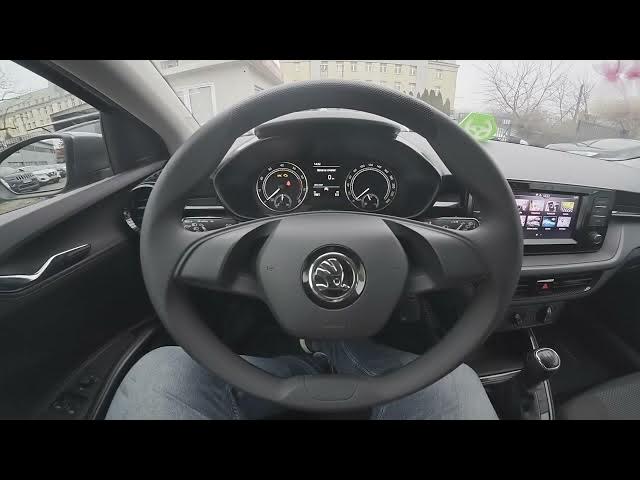

Skoda Fabia IV (2021 - now) – How to Enable or Disable Touchscreen Tone
Jan 16, 2026

In this short video I show how to enable or disable the touchscreen tone on a Skoda Fabia IV (2021 - now). You will learn where to find the setting on the infotainment screen, how to navigate Menu → Sound → Settings, and how to toggle the touchscreen tone on or off to mute touch clicks or restore feedback.
How to enable touchscreen tone on Skoda Fabia IV (2021 - now)?
How to disable touchscreen tone on Skoda Fabia IV (2021 - now)?
Where is the touchscreen tone setting on Skoda Fabia IV (2021 - now)?
0:00 Intro – Skoda Fabia IV and what we’ll change
0:05 Open the screen display and go to Menu
0:12 Enter Sound, then Settings
0:20 Touchscreen Tone – enable or disable
0:25 Final check and outro – like, comment, subscribe
#SkodaFabia #TouchscreenTone #CarSettings #Skoda
Find out more:
https://www.hardreset.info/devices/skoda/skoda-fabia-iv-2021-now/how-to-enable-or-disable-touchscreen-tone/
Follow us on Instagram ► https://www.instagram.com/hardreset.info
Like us on Facebook ► https://www.facebook.com/hardresetinfo/
Tweet us on Twitter ► https://twitter.com/HardResetI
Show More Show Less