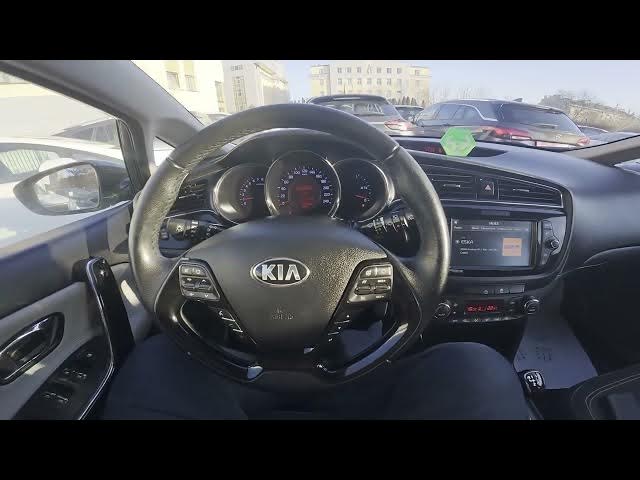

Kia Ceed II Facelift – How to Enable Speed-Dependent Volume
Dec 26, 2025

In this short video I show how to enable and adjust the speed-dependent volume control (SVC) on the Kia Ceed II Facelift. You will learn exactly where to find the setting in the infotainment system and how to switch between Off, Soft, Normal and Strong. This helps keep audio levels consistent as vehicle speed changes and improves in-car listening comfort for calls, radio and media playback. The steps work on Kia Ceed II facelift models with the Premium Sound option.
How to enable speed-dependent volume on Kia Ceed II Facelift?
How to change speed-dependent volume level on Kia Ceed II Facelift?
Where is the premium sound speed-dependent volume setting in Kia Ceed II?
0:00 Intro
0:06 Enter Radio & Menu
0:18 Open Sound Settings
0:28 Premium Sound → Speed-dependent volume control
0:34 Choose Off / Soft / Normal / Strong and test
0:40 Like, comment and subscribe
#KiaCeedII #KiaCeedFacelift #SpeedDependentVolume #CarAudio
Find out more:
https://www.hardreset.info/devices/kia/kia-ceed-ii-facelifting/how-to-adjust-speed-volume/
Follow us on Instagram ► https://www.instagram.com/hardreset.info
Like us on Facebook ► https://www.facebook.com/hardresetinfo/
Show More Show Less