
Kia Ceed II Facelift – How to Set Navigation Avoidances
Dec 29, 2025

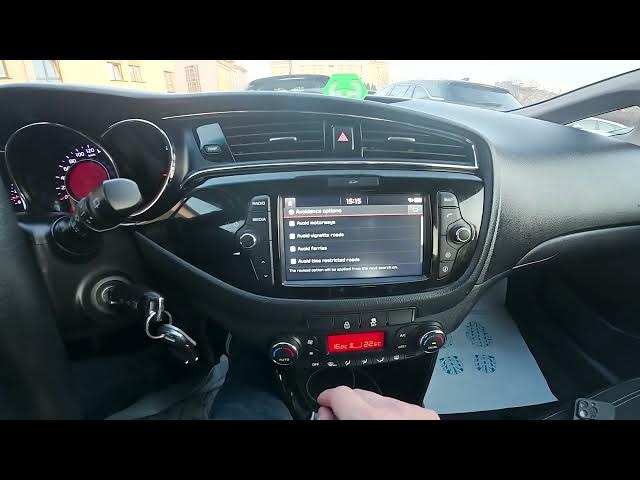
In this video I show how to set navigation avoidances on the Kia Ceed II Facelift. You'll see exactly where to open the screen display, enter Settings → Navigation, and access Guidance and Avoidance options. Learn how to avoid motorways, vignette/toll roads, ferries, time-restricted roads and other route types so your trip follows the roads you prefer.
How to set navigation avoidances on Kia Ceed II Facelift?
How to avoid motorways, tolls or ferries in Kia Ceed II Facelift navigation?
Where are the avoidance options in Kia Ceed II Facelift navigation settings?
0:00 Introduction – in the car and what we will show
0:06 Open screen display and go to Settings → Navigation
0:14 Enter Guidance and Avoidance options
0:26 Choose avoidances: motorways, vignette/tolls, ferries, time-restricted roads
#KiaCeed #KiaCeedII #Navigation #RouteAvoidance
Find out more:
https://www.hardreset.info/devices/kia/kia-ceed-ii-facelifting/how-to-manage-route-avoidances/
Follow us on Instagram ► https://www.instagram.com/hardreset.info
Like us on Facebook ► https://www.facebook.com/hardresetinfo/
Tweet us on Twitter ► https://twitter.com/HardResetI
Support us on TikTok ► https://www.tiktok.com/@hardreset.info
Show More Show Less