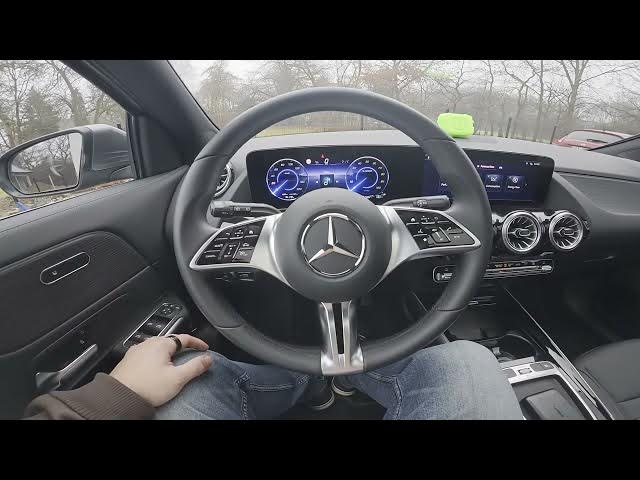

MERCEDES-BENZ EQA – How to Add Navigation to Instrument Cluster
Jan 2, 2026

In this short video I show how to add and manage navigation on the MERCEDES-BENZ EQA instrument cluster using the steering wheel controls. You will learn how to open the cluster navigation by pressing the Home button on the steering wheel, switch to the Classic layout, scroll down to Navigation, manage destinations, zoom the map, change map settings and select the big navigation screen for a clearer view while driving. These quick steps help you access directions on the EQA instrument cluster without touching the central display, making navigation easier and safer.
How to add navigation to instrument cluster on MERCEDES-BENZ EQA?
How to open navigation on MERCEDES-BENZ EQA instrument cluster?
How to switch to big navigation screen on MERCEDES-BENZ EQA instrument cluster?
0:00 Introduction
0:08 Open navigation with the steering wheel Home button
0:21 Switch to Classic layout and scroll to Navigation
0:27 Manage destination, zoom and map settings
0:35 Select big navigation screen on the instrument cluster
0:40 Outro and subscribe
#MercedesBenz #EQA #InstrumentCluster #Navigation
Find out more:
https://www.hardreset.info/devices/mercedes-benz/mercedes-benz-eqa/how-to-add-navigation-to-instrument-cluster/
Follow us on Instagram ► https://www.instagram.com/hardreset.info
Like us on Facebook ► https://www.facebook.com/hardresetinfo/
Show More Show Less #Autos & Vehicles
#Motor Vehicles (By Type)