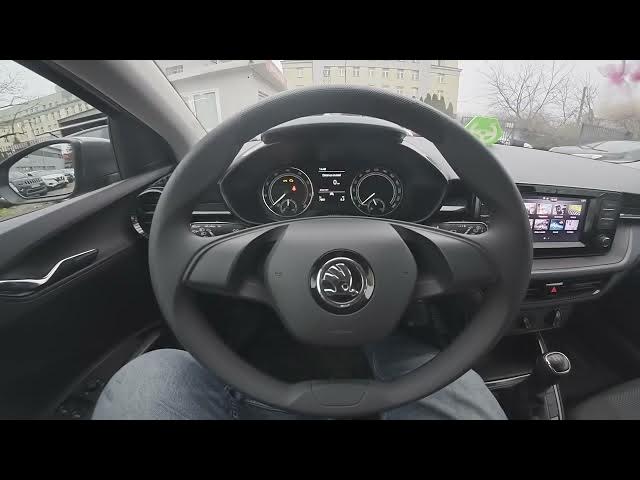

Skoda Fabia IV (2021 - now) – Enable or Disable Bluetooth
Jan 16, 2026

Learn how to enable and disable Bluetooth on the Skoda Fabia IV (2021 - now). In this short video we use the car's infotainment screen to show the exact steps: open Menu, go to Settings, choose Bluetooth, then tap Bluetooth to turn it on or off. You will also see how to change Bluetooth visibility and edit the Bluetooth name so your phone can find and pair with the car easily. These steps are useful for pairing a new phone, troubleshooting connection issues, or hiding the car from other devices.
How to enable Bluetooth on Skoda Fabia IV (2021 - now)?
How to disable Bluetooth on Skoda Fabia IV (2021 - now)?
How to change Bluetooth visibility and name on Skoda Fabia IV (2021 - now)?
0:00 Introduction
0:06 Open Menu and go to Settings on the infotainment screen
0:16 Select Bluetooth and tap to enable or disable
0:23 Change Bluetooth visibility and edit Bluetooth name
0:29 Wrap up and quick tips
#SkodaFabia #Bluetooth #CarTech #Skoda
Find out more:
https://www.hardreset.info/devices/skoda/skoda-fabia-iv-2021-now/enable-disable-bluetooth/
Follow us on Instagram ► https://www.instagram.com/hardreset.info
Like us on Facebook ► https://www.facebook.com/hardresetinfo/
Tweet us on Twitter ► https://twitter.com/HardResetI
Show More Show Less