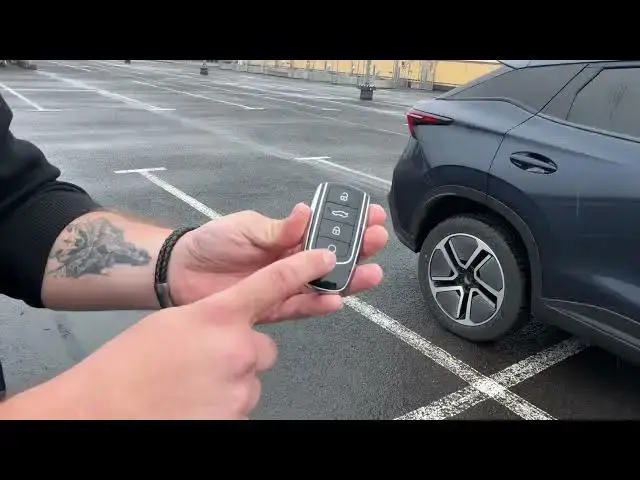

OMODA 5 EV – 5 Useful Features
Jun 15, 2026

In this short video I show five useful features on the OMODA 5 EV that make daily driving easier and more comfortable. You will learn how to use the key fob functions (remote window control, tailgate and preheating), how to manage steering wheel heating, seat heating and ventilation, enable fully wireless Apple CarPlay and Android Auto, and how to use the head-up display (HUD) and its settings. This clear, simple walkthrough is perfect for new OMODA 5 EV owners and anyone who wants quick tips to get the most from their vehicle.
How to use the key fob on OMODA 5 EV?
How to enable wireless Apple CarPlay on OMODA 5 EV?
How to turn on or adjust HUD on OMODA 5 EV?
0:00 Intro – what we'll show
0:08 Key fob controls – lower and raise windows
0:29 Remote tailgate open and close
0:40 Key fob preheating / preconditioning
0:49 Climate controls – steering wheel heating, seat heating and ventilation
1:04 Wireless Apple CarPlay & Android Auto setup
1:22 HUD – what it shows (speed limit, speed, navigation)
1:44 How to manage HUD in vehicle settings
1:49 Wrap up and final tips
#OMODA5EV #OMODA5 #CarTips #WirelessCarPlay
Find out more:
https://www.hardreset.info/devices/omoda/omoda-5-ev/
Show More Show Less #Science