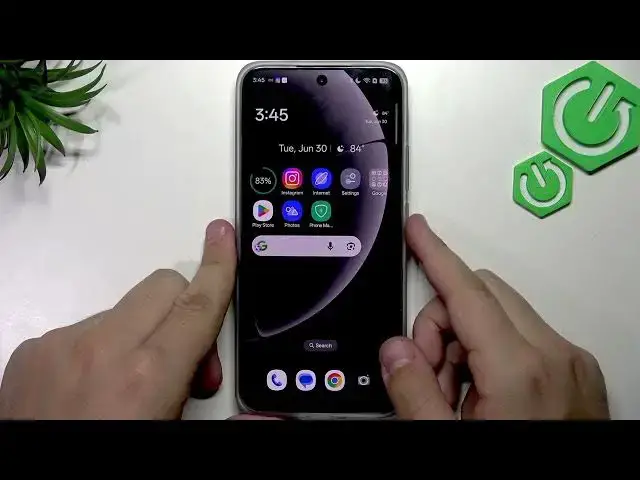

REALME 16 5G – How to Fix Slow or Not Charging
Jul 1, 2026

Having slow charging or your REALME 16 5G not charging? In this video I show simple, practical steps you can try at home to fix slow or no charging on your REALME 16 5G. You will learn how to safely clean the USB-C port with a soft brush, test the original bundle charger or another fast charger, check the charging animation and SuperVOC fast charging indicator in Battery settings, and update the system software to clear charging glitches. These tips help with slow charge, intermittent charging, no charge, and when fast charging is not detected.
How to fix slow charging on REALME 16 5G?
How to fix REALME 16 5G not charging?
How to check SuperVOC fast charging on REALME 16 5G?
0:00 Intro
0:08 Clean the USB-C port (use a soft brush, avoid rough cloth)
0:58 Try the bundle charger or another fast charger
1:22 Watch for the SuperVOC / fast charging animation in Battery settings
1:52 Update system software to fix charging glitches
2:11 Outro and final tips
#REALME16 #REALME #FastCharging #ChargingFix
Find out more:
https://www.hardreset.info/devices/realme/realme-16-5g/
Follow us on Instagram ► https://www.instagram.com/hardreset.info
Like us on Facebook ► https://www.facebook.com/hardresetinfo/
Show More Show Less #Science