
OnePlus 15R – How to Set Up Face Unlock (AutoFocus Selfie)
Jan 28, 2026

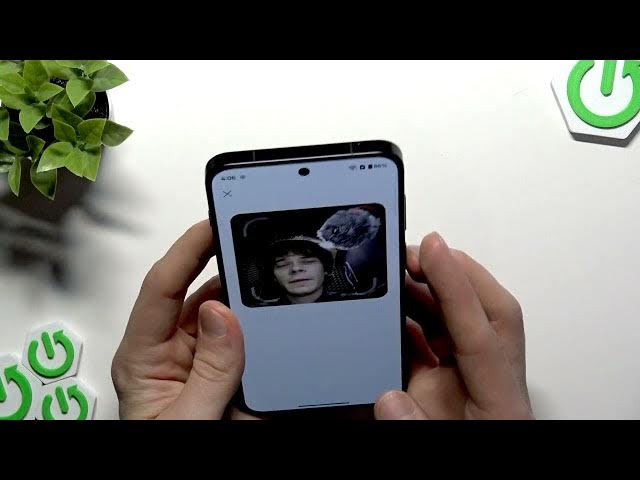
Learn how to set up Face Unlock with the AutoFocus Selfie camera on your OnePlus 15R. This video shows every step: open Settings, go to Security & Privacy, choose Device Unlock → Face and Fingerprint Unlock, create a lock screen password (pattern, PIN or password), clean and test the 32MP autofocus selfie camera, adjust lighting, enroll your face, and tips for reliable daily unlocks. Follow these simple, fast steps to make face unlock on your OnePlus 15R work accurately and avoid common issues like glare or a dirty lens.
How to set up Face Unlock on OnePlus 15R?
How to enable AutoFocus Selfie face unlock on OnePlus 15R?
How to add a face to Face and Fingerprint Unlock on OnePlus 15R?
0:00 Intro
0:07 Open Settings → Security and Privacy
0:23 Device Unlock → Face and Fingerprint Unlock
0:53 Create lock screen password (choose pattern/PIN/password)
1:03 Clean the 32MP AutoFocus selfie camera
1:28 Enroll your face – tap Add Now and look at the camera
1:48 How Face Unlock works & quick tips for best results
2:12 Outro & subscribe
#OnePlus15R #FaceUnlock #AutoFocusSelfie #PhoneSecurity
Find out more:
https://www.hardreset.info/devices/oneplus/oneplus-15r/
Show More Show Less #Science
#Gadgets & Portable Electronics