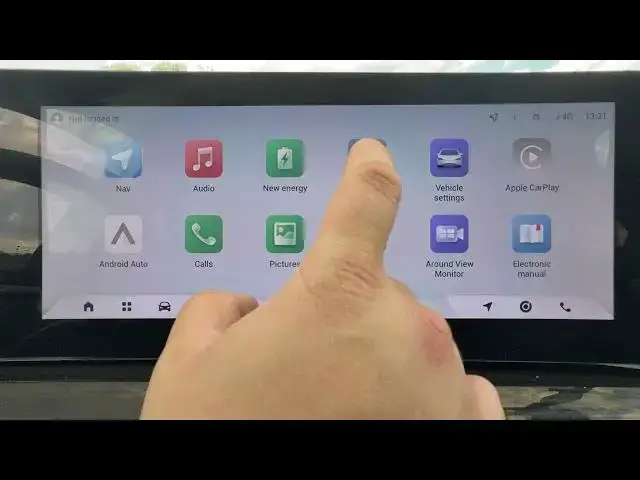

OMODA 5 EV - How to Check Storage Capacity
Jun 30, 2026

Learn how to check the storage capacity on your OMODA 5 EV infotainment system step-by-step. In this short video we open Local Settings → System → Storage Space to show you where total and available storage are displayed. This quick guide helps OMODA 5 EV owners find free space, manage apps or media, and confirm if there is room for updates or map data. Follow along for a fast and clear walkthrough of the exact menu path to see your storage capacity on the car’s system.
How to check storage capacity on OMODA 5 EV?
How to find free storage space on OMODA 5 EV infotainment?
Where is Storage Space in OMODA 5 EV settings?
0:00 Intro and what we’ll show
0:06 Open Local Settings on the OMODA 5 EV
0:18 Go to System and select Storage Space
0:22 View total and available storage capacity
0:25 Wrap up and subscribe for more OMODA 5 EV tips
#OMODA5 #OMODA5EV #Infotainment #StorageSpace
Find out more:
https://www.hardreset.info/devices/omoda/omoda-5-ev/
Follow us on Instagram ► https://www.instagram.com/hardreset.info
Like us on Facebook ► https://www.facebook.com/hardresetinfo/
Tweet us on Twitter ► https://twitter.com/HardResetI
Show More Show Less #Science