
NIKON Z30 – How to Transfer Files to Computer
Jun 3, 2026

In this video I show three easy ways to transfer photos and videos from your NIKON Z30 to a computer. You will learn how to transfer using a USB‑C cable (and how to set the camera USB mode to MTP/PTP), how to remove the SD card and use a card reader, and how to use Nikon's NX‑Tether app for instant tethered transfer. I also cover common cable problems, where to find your DCIM folder, and how to change the save destination on the camera.
How to transfer files from NIKON Z30 to computer?
How to transfer photos from NIKON Z30 to Windows or Mac?
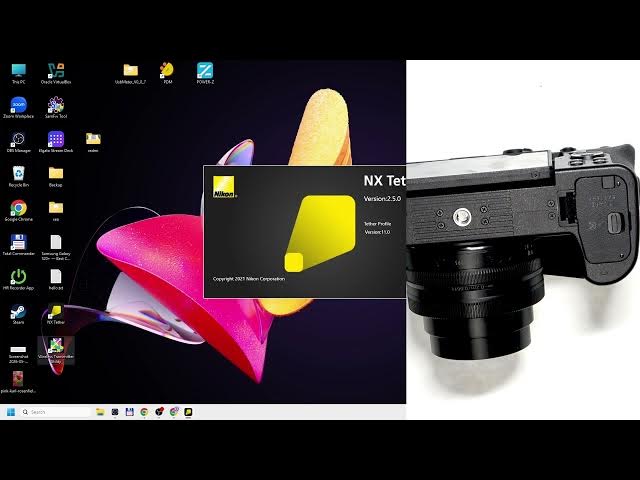
How to use NX Tether with NIKON Z30 for instant file transfer?
0:00 Introduction — what you will learn
0:07 USB‑C cable method — use a data cable and plug into the USB‑C port
0:24 Camera setting — set USB mode to MTP / PTP
0:47 Troubleshooting cable issues — not all cables support data transfer
1:00 Find your Z30 in File Explorer and open DCIM to copy files
1:08 SD card method — turn off camera, open card door and remove card
1:33 Use an SD or microSD adapter/card reader to plug into computer
1:56 NX‑Tether option — download NX‑Tether from Nikon and connect
2:52 Live tether demo — photos appear immediately on your PC
3:22 Change destination settings (computer only / card only)
3:30 Wrap up and tips
#NikonZ30 #Nikon #FileTransfer #Tethering
Show More Show Less #Science