
MOTOROLA Razr 70 Plus – How to Enable Auto Software Updates
Jun 10, 2026

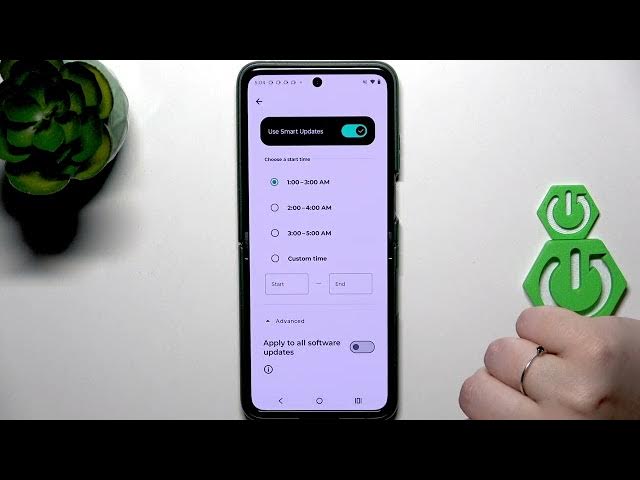
In this video you will learn how to activate automatic software updates on the MOTOROLA Razr 70 Plus using the built-in Smart Update. We show how to open Settings, find System Updates, turn Smart Update on, and manage its options. You can pick a start time range or set a custom time so your Razr 70 Plus will download and install updates automatically during the selected window. This keeps your phone up to date without interrupting your day and helps ensure you get security and feature updates as soon as they are available.
How to enable automatic updates on MOTOROLA Razr 70 Plus?
How to set Smart Update on MOTOROLA Razr 70 Plus?
Where is System Updates on MOTOROLA Razr 70 Plus?
0:00 Introduction – Enable automatic updates on MOTOROLA Razr 70 Plus
0:07 Open Settings and go to System Updates
0:25 Turn on Smart Update
0:45 Manage Smart Update settings
0:55 Choose start time and time range (1–3, 2–4, 3–5 or custom)
1:19 Enable "Apply to all software updates"
1:36 Wrap up and final tips
#Motorola #Razr70Plus #AutoUpdate #SoftwareUpdate
Find out more:
https://www.hardreset.info/devices/motorola/motorola-razr-70-plus/auto-update/
Follow us on Instagram ► https://www.instagram.com/hardreset.info
Show More Show Less #Science