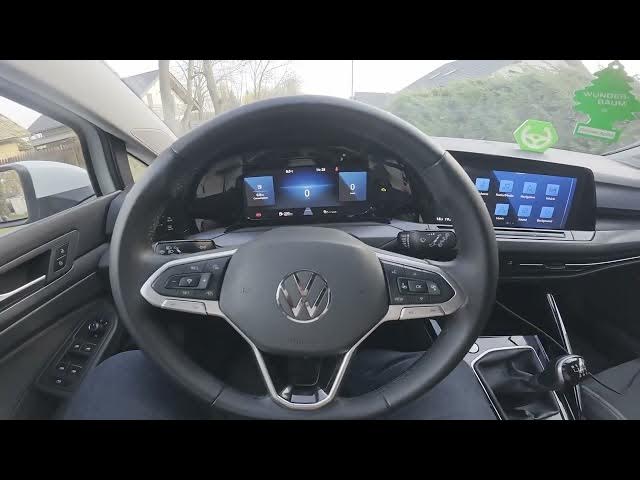

Volkswagen Golf VIII – How to Reset TPMS (2019 - now)
Jan 15, 2026

Learn how to quickly reset the TPMS (tire pressure monitoring system) on the Volkswagen Golf VIII (2019 - now). This short, clear video shows the exact in-car menu steps: check the tire pressure display, open Vehicle → Exterior → Tyres, verify each tire pressure, press the Set button and confirm. Follow these steps to clear the tire pressure warning light, ensure accurate readings after adjusting pressures or changing a tire, and avoid unnecessary alerts.
How to reset TPMS on Volkswagen Golf VIII (2019 - now)?
How to reset the tire pressure warning on Volkswagen Golf 8?
Where is the TPMS reset option in Volkswagen Golf VIII menu?
0:00 Introduction
0:03 Check the dashboard tire pressure display
0:08 Open the Vehicle menu
0:12 Go to Exterior → Tyres
0:18 Verify each tire pressure reading
0:22 Press Set to reset TPMS
0:26 Confirm and finish
#Volkswagen #GolfVIII #TPMS #TirePressure
Find out more:
https://www.hardreset.info/devices/volkswagen/volkswagen-golf-viii-2019-now/how-to-reset-tpms/
Follow us on Instagram ► https://www.instagram.com/hardreset.info
Show More Show Less