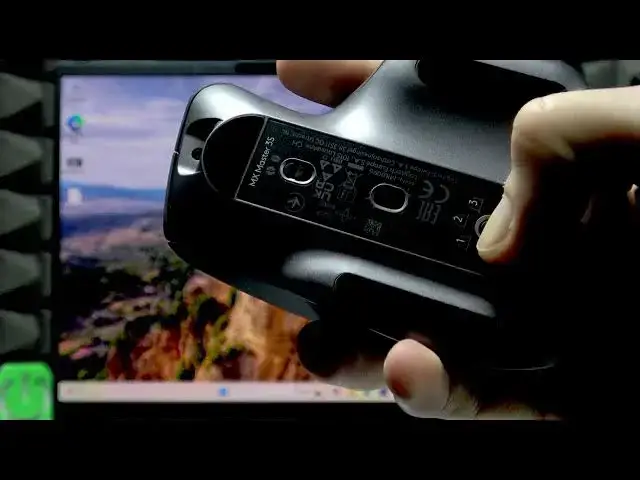

LENOVO Yoga Slim 7 – How to Connect a Bluetooth Mouse
Jun 15, 2026

This video shows how to connect a Bluetooth mouse to your LENOVO Yoga Slim 7 step by step. You will learn how to prepare the mouse, put it into pairing mode, open the Control Center Bluetooth menu on Windows, pair the device, and how to remove the mouse later. The instructions are simple and ideal for beginners who want a quick and reliable Bluetooth connection on their Lenovo laptop.
How to connect a Bluetooth mouse to LENOVO Yoga Slim 7?
How to remove a Bluetooth mouse from LENOVO Yoga Slim 7?
Where is Bluetooth in the LENOVO Yoga Slim 7 Control Center?
0:00 Introduction
0:07 Prepare the Bluetooth mouse (power on & select desktop)
0:26 Enter pairing mode (hold home/pair button until LED flashes)
0:35 Open Control Center and Bluetooth devices
0:54 Select the Bluetooth mouse and wait for connection
0:57 How to remove the mouse (more Bluetooth settings → Remove device)
1:11 Outro & subscription reminder
#Lenovo #YogaSlim7 #BluetoothMouse #HowTo
Find out more:
https://www.hardreset.info/devices/lenovo/lenovo-yoga-slim-7/
Follow us on Instagram ► https://www.instagram.com/hardreset.info
Show More Show Less #Science