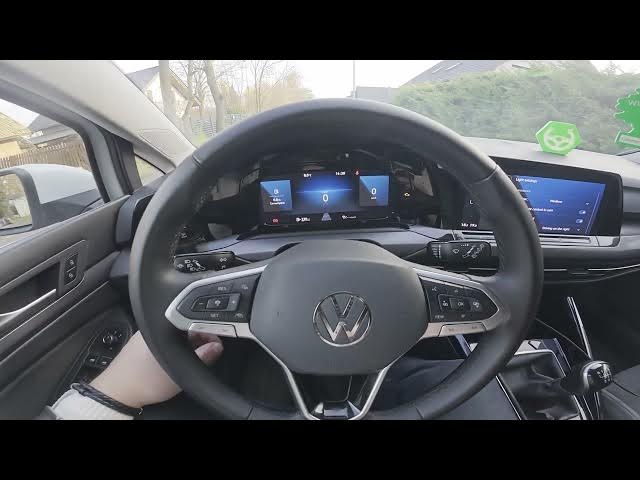

Volkswagen Golf VIII – How to Enable or Disable Convenience Turn Signal
Jan 16, 2026

In this short video I show how to enable or disable the Convenience Turn Signal on the Volkswagen Golf VIII (2019 - now). You will learn the exact menu path on the central display and the simple toggle to turn this feature on or off. Follow along to find Vehicle → Exterior → Headlights and switch the Convenience Turn Signal option. I also explain how the feature works (three-blink lane change when you lightly tap the indicator) and how to test it quickly.
How to enable Convenience Turn Signal on Volkswagen Golf VIII (2019 - now)?
How to disable Convenience Turn Signal on Volkswagen Golf VIII (2019 - now)?
Where is Convenience Turn Signal located in the Volkswagen Golf VIII menu?
0:00 Intro
0:06 Check the screen display and open Vehicle menu
0:22 Go to Vehicle → Exterior → Headlights and toggle Convenience Turn Signal
0:30 What the three-blink convenience signal does and quick test
0:34 Wrap up — like, comment and subscribe
#Volkswagen #GolfVIII #TurnSignal #CarSettings
Find out more:
https://www.hardreset.info/devices/volkswagen/volkswagen-golf-viii-2019-now/how-to-enable-or-disable-convinience-turn-signal/
Follow us on Instagram ► https://www.instagram.com/hardreset.info
Like us on Facebook ► https://www.facebook.com/hardresetinfo/
Tweet us on Twitter ► https://twitter.com/HardResetI
Show More Show Less