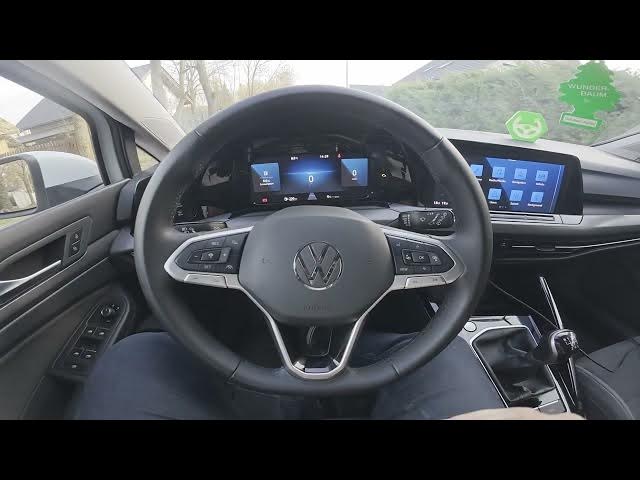

Volkswagen Golf VIII – How to Enable Auto Rain Lights
Jan 15, 2026

In this short video I show how to enable and disable the automatic rain lights (automatic headlight control when raining) on the Volkswagen Golf VIII (2019 - now). You will learn how to use the car's screen display to open the Vehicle menu, go to Exterior → Headlights, and flip the Auto Rain Lights switch. This quick walkthrough helps you turn on the rain sensor lights for safer driving in wet conditions and turn them off if you prefer manual control. The steps are simple and work for Golf VIII models with the central display and menu system, so you can set automatic headlights with confidence.
How to enable Auto Rain Lights on Volkswagen Golf VIII (2019 - now)?
How to disable automatic headlight control in Volkswagen Golf VIII (2019 - now)?
Where is the Auto Rain Lights setting in Volkswagen Golf VIII menu?
0:00 Introduction and feature overview
0:09 Open the screen display and enter Vehicle menu
0:09 Go to Exterior then Headlights settings
0:25 Switch the Auto Rain Lights on or off
0:29 Wrap up and subscribe for more car tips
#Volkswagen #GolfVIII #AutoRainLights #Headlights
Find out more:
https://www.hardreset.info/devices/volkswagen/volkswagen-golf-viii-2019-now/how-to-enable-auto-rain-lights/
Follow us on Instagram ► https://www.instagram.com/hardreset.info
Like us on Facebook ► https://www.facebook.com/hardresetinfo/
Tweet us on Twitter ► https://twitter.com/HardResetI
Show More Show Less