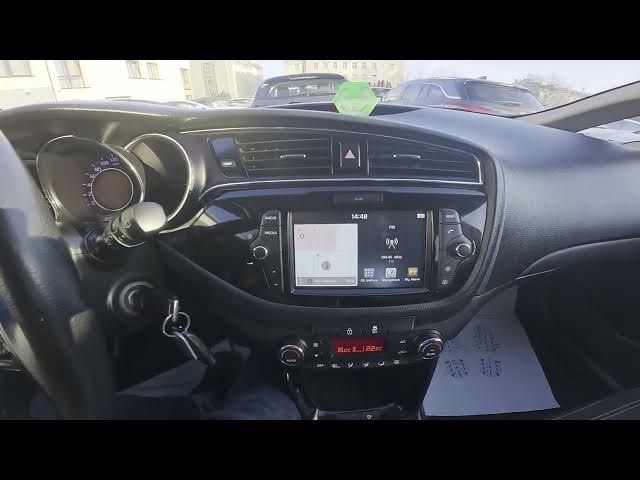

Kia Ceed II Facelift – How to Change Radio Source
Dec 26, 2025

In this short video I show how to change the radio source on the Kia Ceed II Facelift. We check the screen display, open Media and select between FM, AM, Bluetooth, USB, AUX, Android Auto, Apple CarPlay, Sound of Nature or USB image. This clear, easy demonstration is perfect for new owners or anyone who wants to quickly switch inputs and use phone mirroring, Bluetooth audio or USB playback. Follow these simple steps to find and choose the right media source on your Kia Ceed II Facelift and get audio working the way you want.
How to change radio source on Kia Ceed II Facelift?
How to switch to Bluetooth on Kia Ceed II Facelift?
Where is the media source selection on Kia Ceed II Facelift?
0:00 Introduction – In the car and overview
0:04 Check the screen display and menus
0:17 Open Media and select FM, Bluetooth, USB, Android Auto, Apple CarPlay, AUX or USB image
0:27 Outro – Like, comment and subscribe
#KiaCeed #CarAudio #AndroidAuto #AppleCarPlay
Find out more:
https://www.hardreset.info/devices/kia/kia-ceed-ii-facelifting/
Follow us on Instagram ► https://www.instagram.com/hardreset.info
Like us on Facebook ► https://www.facebook.com/hardresetinfo/
Tweet us on Twitter ► https://twitter.com/HardResetI
Support us on TikTok ► https://www.tiktok.com/@hardreset.info
Show More Show Less