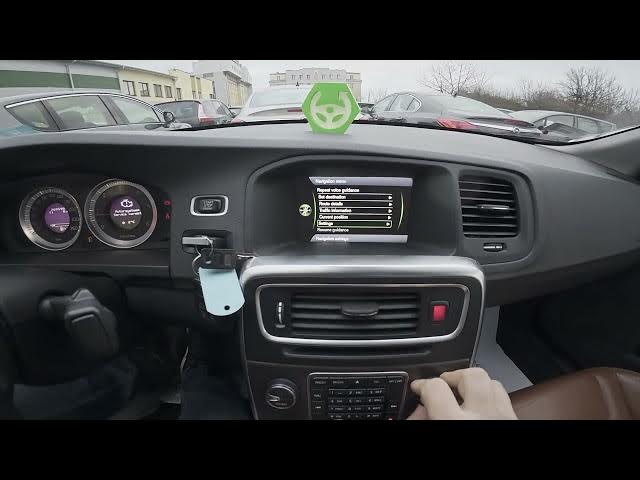

Volvo S60 II (2010-2019) – How to Enter & Manage Navigation
Jan 6, 2026

In this video I show how to enter and manage the navigation system in a Volvo S60 II (2010 - 2019). You will see how to open the Navigation screen, zoom the map, press the OK menu button to access the Navigation menu, use or repeat voice guidance, set a destination, manage route details, check traffic information, view current position, and change Settings such as traffic info, route options, map options and guidance options. This quick walkthrough helps Volvo S60 II owners get to know the built-in GPS features and adjust navigation settings for easier driving.
How to enter Manage navigation on Volvo S60 II (2010 - 2019)?
How to change navigation settings on Volvo S60 II (2010 - 2019)?
How to set destination and manage route on Volvo S60 II (2010 - 2019)?
0:00 Introduction and overview of Volvo S60 II navigation
0:06 Open the Navigation screen
0:16 Zoom the map and press OK to open Navigation menu
0:26 Navigation menu: repeat voice guidance, set destination, route details
0:36 Navigation Settings: traffic info, route options, map options, guidance
0:54 Wrap up, tips and subscribe
#VolvoS60 #VolvoS60II #CarNavigation #NavigationSettings
Find out more:
https://www.hardreset.info/devices/volvo/volvo-s60-ii-2010-2019/enter-and-manage-navigation/
Follow us on Instagram ► https://www.instagram.com/hardreset.info
Like us on Facebook ► https://www.facebook.com/hardresetinfo/
Show More Show Less