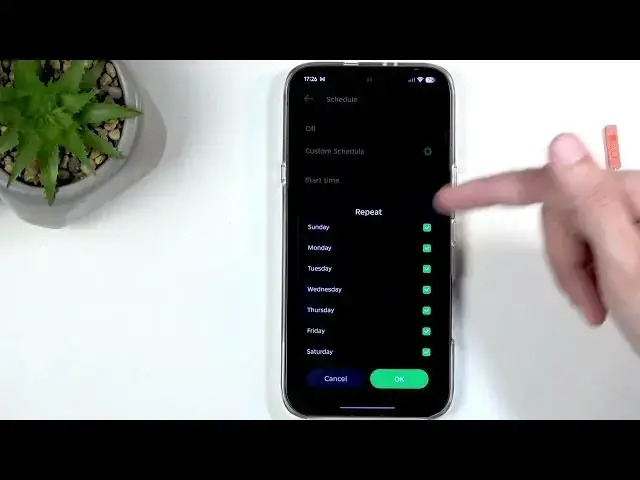

INFINIX Note 60 – How to Use Do Not Disturb Mode
Jul 1, 2026

This video shows how to enable, customize and schedule Do Not Disturb mode on the INFINIX Note 60. I walk you through opening Quick Settings, adding the DND toggle if it is missing, setting a repeat schedule, choosing call and app exceptions, and a handy trick to make Do Not Disturb turn off automatically so you don’t forget. Clear, simple steps for INFINIX Note 60 owners and anyone using Android who wants to silence notifications without missing important calls.
How to enable Do Not Disturb on INFINIX Note 60?
How to schedule Do Not Disturb on INFINIX Note 60?
How to allow calls from favorites while Do Not Disturb is on on INFINIX Note 60?
0:00 Welcome & overview
0:10 Open Quick Settings (swipe down from the right)
0:24 Locate the Do Not Disturb toggle
0:46 Add missing toggles to Quick Settings
1:15 Long-press Do Not Disturb → More settings
1:29 Set schedule (note: only one schedule available)
2:08 Choose calls and notification exceptions
2:42 Allow repeated calls to bypass DND
2:59 Tip: use schedule to auto-turn DND off if you forget
3:58 Turn Do Not Disturb off manually & outro
#Infinix #InfinixNote60 #DoNotDisturb #AndroidTips
Find out more:
Show More Show Less #Science