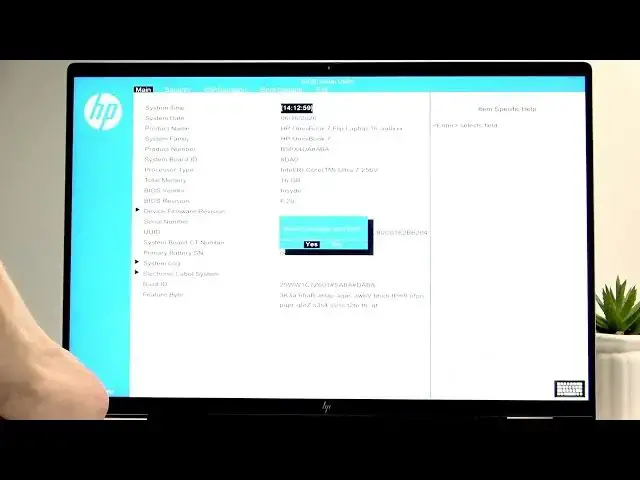

HP OmniBook 7 Flip - How to Enter BIOS
Jun 17, 2026

Learn how to enter the BIOS on your HP OmniBook 7 Flip quickly and safely. In this short video you'll see the exact steps to access the BIOS menu: short-press the power button to start the laptop, then immediately press F10 repeatedly until the BIOS screen appears. You'll learn how to move between tabs with the left and right arrow keys, select options with the up and down arrows, save changes with F10, restore defaults with F9, and exit without saving using Esc + Enter. This walkthrough helps you reach boot options, security settings, configuration, and other BIOS features on your HP OmniBook 7 Flip so you can change boot order or restore defaults with confidence.
How to enter BIOS on HP OmniBook 7 Flip?
How to change boot order in HP OmniBook 7 Flip BIOS?
How to reset BIOS to default on HP OmniBook 7 Flip?
0:00 Introduction
0:06 Power on and start sequence
0:18 Press F10 repeatedly to open BIOS
0:32 Navigate BIOS tabs (left/right arrows)
0:40 Move between options (up/down arrows)
0:53 Save, restore, and exit keys (F10, F9, Esc + Enter)
1:09 Outro and tips
#HP #OmniBook7Flip #BIOS #HowTo
Find out more:
https://www.hardreset.info/devices/hp/hp-omnibook-7-flip/how-to-enter-bios/
Follow us on Instagram ► https://www.instagram.com/hardreset.info
Show More Show Less #Science