0:00
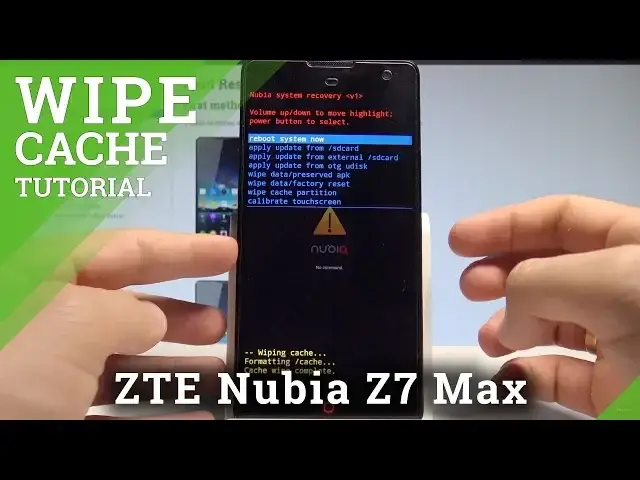
Here I have ZTE Nubia Z7 Max and let me show you how to wipe cache partition on the following device
0:11
So at the very beginning let's start by pressing the power key, let's choose power off and
0:17
touch ok to confirm it. Let's wait until your device will be ready to use and then you have to use the following
0:23
combination of keys, power key and volume up. So let's hold down together these two keys for a couple of seconds, power key and volume
0:30
up, keep holding both keys and release them as soon as Nubia logo pops up on the screen
0:39
As you can see this is the Nubia system recovery, here you can navigate by using both volume
0:44
keys and confirm options by pressing power key. Let's scroll down to choose wipe cache partition and press power key to confirm it
0:52
The device is wiping the cache files and as soon as Nubia system recovery pops up all
0:56
you need to do is simply press power key to reboot system now
1:00
The device is restarting and rebooting so let's wait a couple of seconds until your
1:04
device will be ready to use in a normal mode. Excellent so everything went well, thank you for watching, please subscribe our channel
1:16
and leave thumbs up under the video