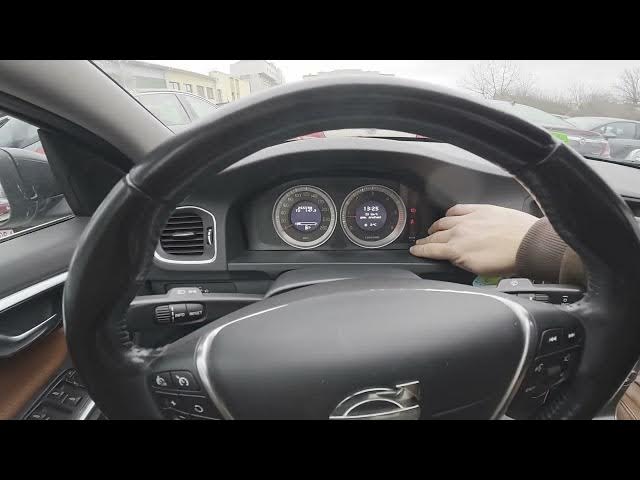

Volvo S60 II (2010-2019) – How to Navigate Instrument Cluster Display
Jan 6, 2026

In this short video I show how to navigate the instrument cluster display on the Volvo S60 II (2010-2019). You will learn how to use the dash knob to cycle the screens, check current and average fuel consumption, driving range, average speed, temperature, odometer and trip 1/2, and how to access system notifications by holding the read button. Clear step-by-step actions make it easy to find the info you need while driving.
How to navigate the instrument cluster display on Volvo S60 II (2010-2019)?
How to check fuel consumption and range on Volvo S60 II instrument cluster?
How to access system notifications and trip meters on Volvo S60 II instrument cluster?
0:00 Introduction – In the car and overview
0:06 How to use the instrument cluster knob to cycle screens
0:21 Right-side info: current fuel consumption, average fuel consumption, range
0:30 Other screens: blank screen, average speed
0:34 Temperature display and where to find it
0:42 Odometer, Trip 1 and Trip 2 information
0:47 How to enter system notifications – press and hold the READ button
0:51 Outro and quick recap
#VolvoS60II #InstrumentCluster #VolvoS60 #CarTutorial
Find out more:
https://www.hardreset.info/devices/volvo/volvo-s60-ii-2010-2019/how-to-navigate-through-instrument-cluster-display/
Show More Show Less #Autos & Vehicles
#Volvo
#Motor Vehicles (By Brand)