
TESLA Model Y – How to Enable Blind Spot Collision Warning Chime
Jan 19, 2026

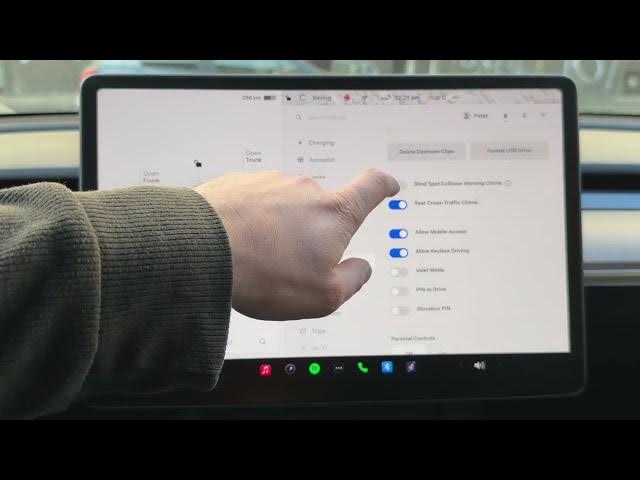
In this short video I show how to check and enable the Blind Spot Collision Warning chime on a Tesla Model Y. You’ll learn where to find the setting using the car icon menu, how to toggle the chime on or off, and why keeping this safety alert enabled helps prevent side collisions by using the side cameras. This quick walkthrough makes sure your Tesla Model Y has that extra audio alert active for safer lane changes and parking maneuvers.
How to enable Blind Spot Collision Warning chime on Tesla Model Y?
How to find Blind Spot Collision Warning setting in Tesla Model Y?
How to turn off or enable Blind Spot Collision Warning chime on Tesla Model Y?
0:00 Introduction – what we will check
0:08 Open the car menu (tap the car icon)
0:20 Go to Settings → Safety
0:27 Scroll to Blind Spot Collision Warning chime
0:34 Check and toggle the chime on or off
0:48 Why it’s recommended to keep the chime enabled
1:02 Outro – subscribe and thumbs up
#Tesla #ModelY #BlindSpot #Safety
Find out more:
https://www.hardreset.info/devices/car/car-tesla/
Follow us on Instagram ► https://www.instagram.com/hardreset.info
Show More Show Less #Autos & Vehicles
#Motor Vehicles (By Type)
#Science