0:00
Hello and welcome back to hardit info
0:02
channel. In front of me I have HMD Arc
0:04
phone. In this video I'll show you how
0:06
to use calculator and calendar on this
0:14
on your HMD Arc phone. Calculator and
0:17
calendar are pre-installed core
0:19
applications and let's find them in my
0:22
application drawer. So here you can see
0:25
my calculator. Let's open it. And you
0:28
will see standard uh calculator. But if
0:31
you want to use advanced uh functions,
0:34
then tap this sign over here. And it
0:37
will expand into more uh scientific one.
0:42
Okay. This is your uh this is your
0:44
calculator. And now how to use your
0:48
This is basically uh this is connected
0:50
to your uh Google account. So first of
0:55
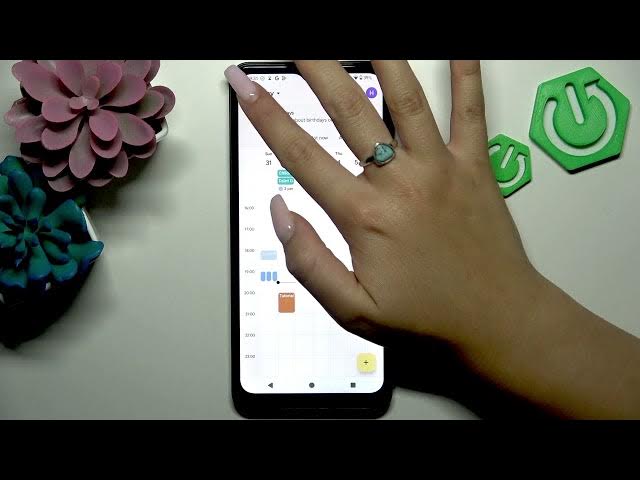
all, how to use your calendar? You can
0:56
uh you can change the way uh your
0:59
calendar overall looks. To do that, you
1:01
need to uh tap this uh three lines in
1:04
the top left corner of your screen. And
1:07
here you can select if you want to view
1:08
it as month, as week, 3 days, or even
1:12
day. For example, if I set 3 days, um
1:15
then it will just display
1:19
uh 3 days. So as you can see and as I
1:22
slide next uh it will uh display only 3
1:26
days. Uh okay let's let me go uh back to
1:30
month and next. If you want to create
1:34
for example an event then you need to
1:36
tap this plus icon in the bottom right
1:39
corner of the screen. Select event
1:41
option and now insert your details about
1:44
your event. Uh here you can give your
1:46
event title also. Here you can set
1:49
duration of your event or you can simply
1:52
set to all day. Uh additionally you can
1:55
add people to your event so that it is
1:58
like a shared access. Uh and
2:02
additionally you can set notification
2:06
like a little reminder. So here it says
2:09
30 minutes before. So that means that 30
2:12
minutes before uh the actual event I
2:15
will get notification with um reminder
2:19
but I can change this
2:24
I can change this here I have those
2:26
options but as well I can custom uh my
2:33
Okay. And uh do not forget to tap save
2:36
in the top right corner of the screen to
2:39
add this event. to save this event. Uh,
2:43
okay. And I feel like that's all with
2:45
calendar and calculator on your HMD Arc
2:48
phone. I really hope that you find this
2:50
video helpful and if so, please leave
2:53
like on this video and subscribe to our
2:55
channel for more videos and see you in