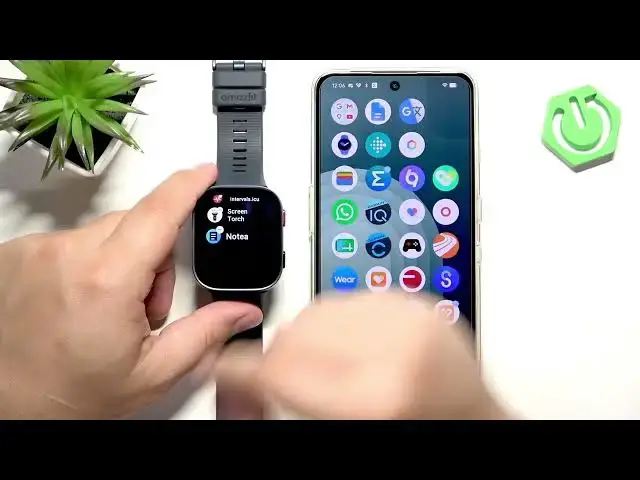

AMAZFIT Bip Max – How to Uninstall Apps
Jul 2, 2026

Learn how to uninstall applications from your AMAZFIT Bip Max step by step. This video shows two clear methods: removing apps directly on the watch using the press-and-hold edit mode, and uninstalling apps from the paired phone using the Zepp app. Follow along to free storage, tidy your app list, and remove apps you no longer need on your AMAZFIT Bip Max. We cover waking the screen, opening the menu, entering edit mode, tapping the minus/bin icon, and the exact Zepp app path to delete an app.
Find out more:
https://www.hardreset.info/devices/amazfit/amazfit-bip-max/how-to-uninstall-applications/
Follow us on Instagram ► https://www.instagram.com/hardreset.info
Like us on Facebook ► https://www.facebook.com/hardresetinfo/
Tweet us on Twitter ► https://twitter.com/HardResetI
Support us on TikTok ► https://www.tiktok.com/@hardreset.info
Use Reset Guides for many popular Apps ► https://www.hardreset.info/apps/apps/
Show More Show Less #Science