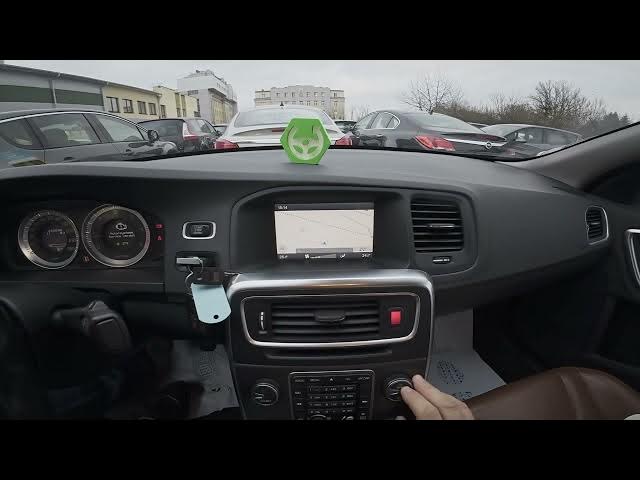

Volvo S60 II (2010-2019) - How to Reset Navigation Settings
Jan 6, 2026

Learn how to quickly reset the navigation settings on a Volvo S60 II (2010-2019). In this short clear video you will see the exact steps to restore the navigation system to factory defaults. Resetting navigation can fix wrong routes, voice guidance problems, map errors, or prepare the car for a new owner. Follow the display prompts on your Volvo S60 II and complete the reset in seconds.
How to reset navigation settings on Volvo S60 II (2010-2019)?
How to restore default navigation on Volvo S60 II (2010-2019)?
Where is Reset Navigation Settings on Volvo S60 II (2010-2019)?
0:00 Intro
0:05 Check the screen display
0:10 Open Navigation → Menu
0:16 Go to Settings and select Reset Navigation Settings
0:22 Confirm reset and finish
#VolvoS60 #VolvoS60II #NavigationReset #ResetNavigation
Find out more:
https://www.hardreset.info/devices/volvo/volvo-s60-ii-2010-2019/how-to-reset-navigation-settings/
Follow us on Instagram ► https://www.instagram.com/hardreset.info
Like us on Facebook ► https://www.facebook.com/hardresetinfo/
Tweet us on Twitter ► https://twitter.com/HardResetI
Show More Show Less