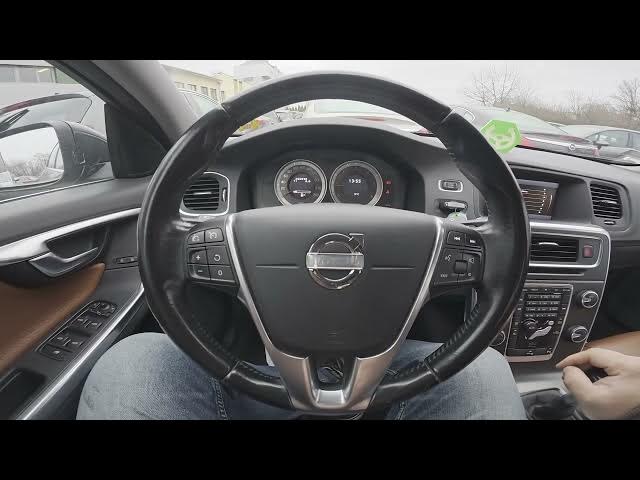

Volvo S60 II (2010-2019) - How to Enable Screen Saver
Jan 6, 2026

Learn how to enable and disable the screen saver on the Volvo S60 II (2010-2019). In this short, clear video you will see what the screen saver does (it blanks the display after 10 seconds of inactivity), where to find the setting in the car menu, and how to toggle it on or off step-by-step. This walkthrough is perfect if you want a quick fix to save the display or avoid accidental screen touches while parked. Follow the exact menu path shown in the video to change the Screen Saver setting on your Volvo S60 II.
How to enable screen saver on Volvo S60 II (2010 - 2019)?
How to disable screen saver on Volvo S60 II (2010 - 2019)?
Where is the Screen Saver setting on Volvo S60 II (2010 - 2019)?
0:00 Intro
0:06 What the screen saver does (10s inactivity)
0:19 Open "My Car" and go to Settings
0:25 System Options → Screen Saver
0:30 Enable or disable the screen saver (press OK)
0:36 Wrap up & subscribe for more car tips
#VolvoS60 #Volvo #CarSettings #ScreenSaver
Find out more:
https://www.hardreset.info/devices/volvo/volvo-s60-ii-2010-2019/how-to-enable-screen-saver/
Follow us on Instagram ► https://www.instagram.com/hardreset.info
Like us on Facebook ► https://www.facebook.com/hardresetinfo/
Show More Show Less