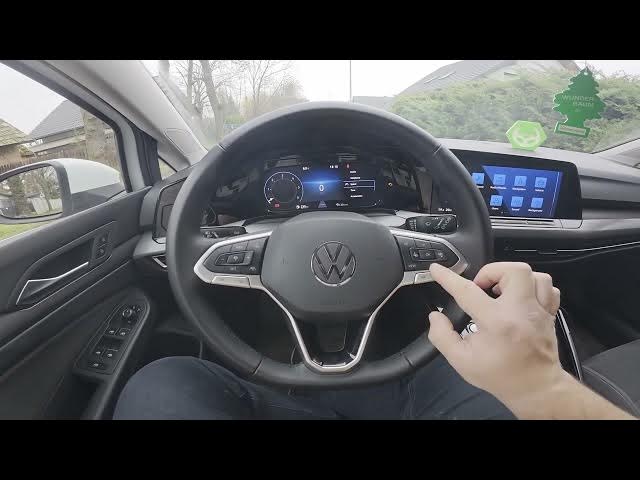

VOLKSWAGEN Golf VIII – How to Manage Instrument Cluster Contents
Jan 15, 2026

In this video we show how to manage and add functions to the instrument cluster on the Volkswagen Golf VIII (2019 - now). You will learn how to use the steering‑column panel to navigate the Instrument Cluster, open the Settings menu and enable or disable items such as consumption, average consumption, distance/time, average speed, fuel gauge, outdoor range, assist systems, operating temperatures, navigation, audio, telephone, speed, time, acceleration, compass and destination info. Follow along to quickly customize what appears on your dash and get the information you need while driving.
How to manage instrument cluster contents on Volkswagen Golf VIII (2019 - now)?
How to add functions to the Volkswagen Golf VIII instrument cluster?
Where is the instrument cluster settings menu on Volkswagen Golf VIII?
0:00 Intro
0:09 How to access the instrument cluster controls
0:19 Open Settings and navigate the menu
0:29 Enable consumption, average consumption, distance/time and average speed
0:36 Toggle fuel gauge, range, assist systems and other display items
0:44 Wrap up & subscribe
#Volkswagen #GolfVIII #InstrumentCluster #CarTips
Find out more:
https://www.hardreset.info/devices/volkswagen/volkswagen-golf-viii-2019-now/how-to-manage-instrument-cluster-contents/
Follow us on Instagram ► https://www.instagram.com/hardreset.info
Like us on Facebook ► https://www.facebook.com/hardresetinfo/
Show More Show Less #Autos & Vehicles
#Volkswagen