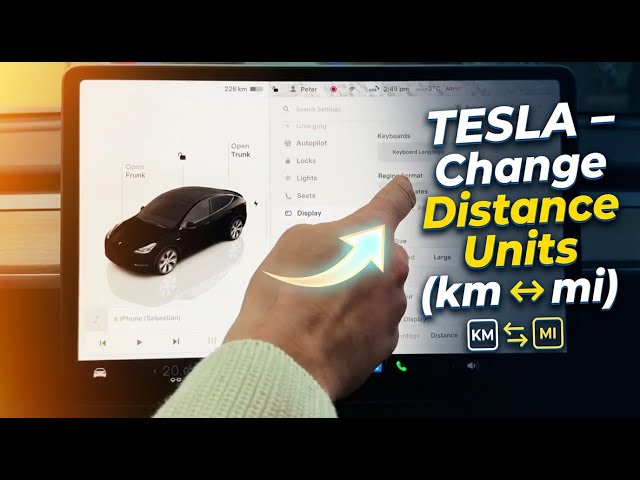

TESLA – How to Change Distance Units (Kilometers ↔ Miles)
Jan 23, 2026

Learn how to change distance units on your Tesla from kilometers to miles or from miles to kilometers. This short, clear video shows exactly where to find the setting on every Tesla model: open the Controls (car icon), go to Display settings, select Distance and pick km or mi. You’ll also see how the Region setting can automatically switch units for you. Ideal for Tesla Model 3, Model Y, Model S and Model X owners who want the dash and range shown in the units they prefer.
How to change distance units in Tesla?
How to switch kilometers to miles on Tesla Model 3?
How to set region and distance units on Tesla (Model S/Model 3/Model X/Model Y)?
0:00 Intro – what we’ll change
0:10 Open Controls (car icon) and go to Display
0:30 Scroll to Distance and switch km ↔ mi
1:00 Change Region to auto-switch units
1:18 Wrap up and quick tip
#Tesla #TeslaSettings #KilometersToMiles #ChangeUnits
Find out more:
https://www.hardreset.info/devices/car/car-tesla/
Follow us on Instagram ► https://www.instagram.com/hardreset.info
Like us on Facebook ► https://www.facebook.com/hardresetinfo/
Tweet us on Twitter ► https://twitter.com/HardResetI
Show More Show Less #Autos & Vehicles
#Motor Vehicles (By Type)