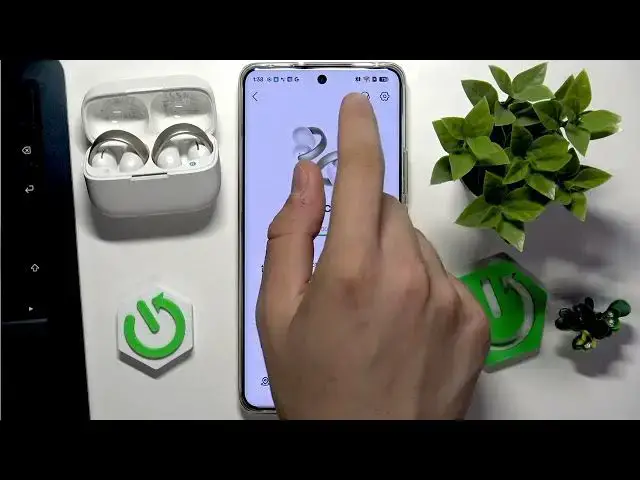

SOUNDCORE AeroClip – How to Check Firmware Version
Jul 1, 2026

Learn how to quickly check the firmware version on your SOUNDCORE AeroClip earbuds using the official Soundcore app. This short and clear video walks you step by step: open the Soundcore app, tap the gear icon in the top right, and find the Update firmware entry to see the current firmware number. Perfect for anyone who wants to confirm their AeroClip firmware before updating or troubleshooting, and useful for non-native English speakers searching for simple, direct instructions.
Find out more:
https://www.hardreset.info/devices/soundcore/soundcore-aeroclip/firmware-version/
Follow us on Instagram ► https://www.instagram.com/hardreset.info
Like us on Facebook ► https://www.facebook.com/hardresetinfo/
Tweet us on Twitter ► https://twitter.com/HardResetI
Support us on TikTok ► https://www.tiktok.com/@hardreset.info
Use Reset Guides for many popular Apps ► https://www.hardreset.info/apps/apps/
Show More Show Less #Science