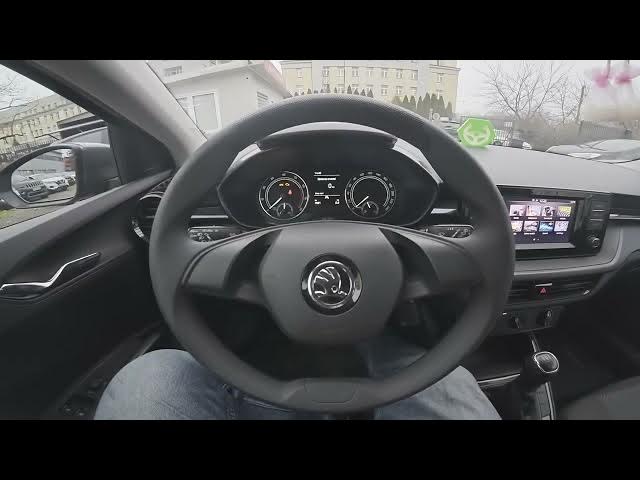

Skoda Fabia IV (2021 - now) — How to Enable or Disable Bluetooth Visibility
Jan 16, 2026

Learn how to enable or disable Bluetooth visibility on your Skoda Fabia IV (2021 - now). This short clear video shows where to find the Bluetooth visibility (discoverable) setting on the infotainment screen. Follow the steps: open Menu, go to Settings, select Bluetooth and tap Visibility to make the car discoverable for pairing or hide it for privacy. These quick steps help you control pairing, improve security, and stop unwanted connections on your Fabia IV.
How to enable Bluetooth visibility on Skoda Fabia IV (2021 - now)?
How to disable Bluetooth visibility on Skoda Fabia IV (2021 - now)?
Where is Bluetooth Visibility setting in Skoda Fabia IV (2021 - now)?
0:00 Intro - What we will change
0:06 Open Menu and go to Settings
0:15 Select Bluetooth on the screen
0:21 Tap Visibility to enable or disable
0:26 Outro - Like, comment and subscribe
#SkodaFabia #BluetoothVisibility #CarTech #FabiaIV
Find out more:
https://www.hardreset.info/devices/skoda/skoda-fabia-iv-2021-now/enable-disable-bluetooth-visibility/
Follow us on Instagram ► https://www.instagram.com/hardreset.info
Like us on Facebook ► https://www.facebook.com/hardresetinfo/
Tweet us on Twitter ► https://twitter.com/HardResetI
Show More Show Less