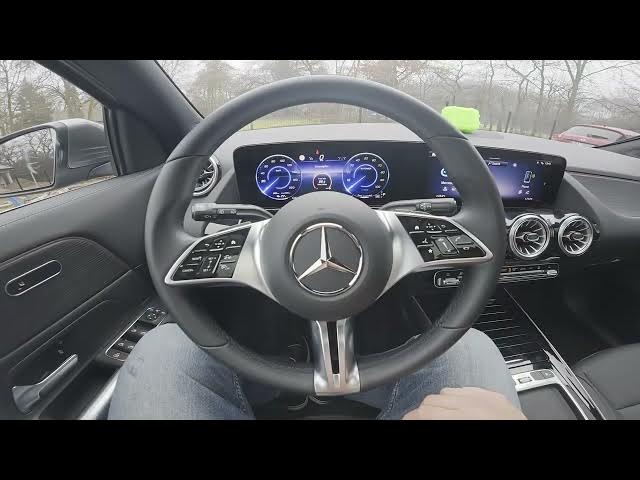

MERCEDES-BENZ EQA – How to Enable Loudness Normalization
Jan 2, 2026

In this short video you will learn how to enable and adjust Loudness Normalization on the MERCEDES-BENZ EQA. I show where to find the setting on the screen display, how to open Radio and Sound Settings, and how to switch Loudness Normalization between Off, Low, Medium and High. This setting helps level audio volume across radio and media for a smoother listening experience. Steps are quick and easy and should work on most EQA model years and software versions.
How to enable Loudness Normalization on MERCEDES-BENZ EQA?
How to change Loudness Normalization level on MERCEDES-BENZ EQA?
Where is Loudness Normalization in MERCEDES-BENZ EQA radio settings?
0:00 Introduction and overview
0:09 Open the screen display and go to Radio and Sound Settings
0:21 Find Loudness Normalization and choose Off, Low, Medium or High
0:29 Quick test and closing notes
#MercedesBenz #EQA #LoudnessNormalization #CarAudio
Find out more:
https://www.hardreset.info/devices/mercedes-benz/mercedes-benz-eqa/enable-loudness-normalization/
Follow us on Instagram ► https://www.instagram.com/hardreset.info
Like us on Facebook ► https://www.facebook.com/hardresetinfo/
Tweet us on Twitter ► https://twitter.com/HardResetI
Support us on TikTok ► https://www.tiktok.com/@hardreset.info
Show More Show Less