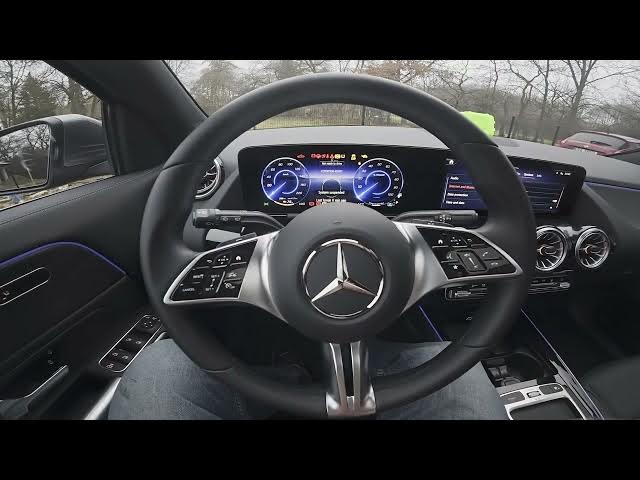

MERCEDES-BENZ EQA – How to Enable NFC
Jan 1, 2026

Learn how to enable NFC on your MERCEDES-BENZ EQA infotainment system. In this short, clear video we walk through the exact menu path on the center screen so you can switch NFC on in seconds. Go to Home → Settings → System → Internet → Bluetooth and toggle the NFC button to enable wireless connections with your smartphone. Enabling NFC makes pairing faster and allows contactless interactions between your phone and the car. This quick walkthrough is ideal if you need a fast setup or a simple troubleshooting step for NFC not appearing in your system.
How to enable NFC on MERCEDES-BENZ EQA?
How to turn on NFC in MERCEDES-BENZ EQA infotainment system?
How to use NFC with MERCEDES-BENZ EQA and my smartphone?
0:00 Intro – Mercedes EQA and NFC overview
0:08 Open the screen: Home → Settings
0:23 Navigate: System → Internet → Bluetooth
0:29 Toggle the NFC switch & final tips
#MercedesBenz #EQA #NFC #CarTech
Find out more:
https://www.hardreset.info/devices/mercedes-benz/mercedes-benz-eqa/how-to-enable-nfc/
Follow us on Instagram ► https://www.instagram.com/hardreset.info
Like us on Facebook ► https://www.facebook.com/hardresetinfo/
Tweet us on Twitter ► https://twitter.com/HardResetI
Support us on TikTok ► https://www.tiktok.com/@hardreset.info
Show More Show Less