
MOTOROLA Razr 70 Plus – How to Enable Unknown Sources
Jun 10, 2026

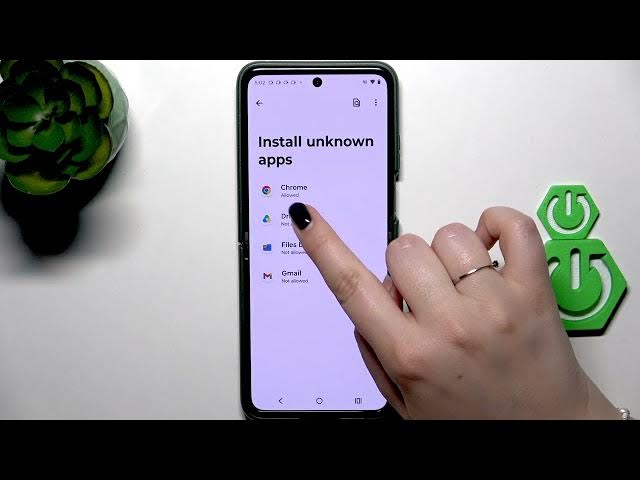
Learn how to allow Unknown Sources (Install Unknown Apps) on your MOTOROLA Razr 70 Plus so you can install APK files from a browser or other app. This video shows each step: open Settings, go to Apps, choose Special app access, tap Install unknown apps, then select the app (for example Chrome) and toggle "Allow from this source." You will also see how to revoke the permission and a short security warning about installing third-party apps that are not verified by the developer. These steps work on recent Android versions for the Motorola Razr 70 Plus and help you install apps from websites when needed.
How to allow Unknown Sources on MOTOROLA Razr 70 Plus?
How to enable Install Unknown Apps on MOTOROLA Razr 70 Plus?
How to install an APK from Chrome on MOTOROLA Razr 70 Plus?
0:00 Intro
0:09 Open Settings
0:16 Apps → Special app access
0:25 Open Install unknown apps
0:35 Allow Chrome to install from this source
0:57 Security warning about third-party apps
1:14 Revoke permission and finish
#Motorola #Razr70Plus #UnknownSources #InstallAPK
Find out more:
https://www.hardreset.info/devices/motorola/motorola-razr-70-plus/unknown-sources/
Follow us on Instagram ► https://www.instagram.com/hardreset.info
Show More Show Less #Science