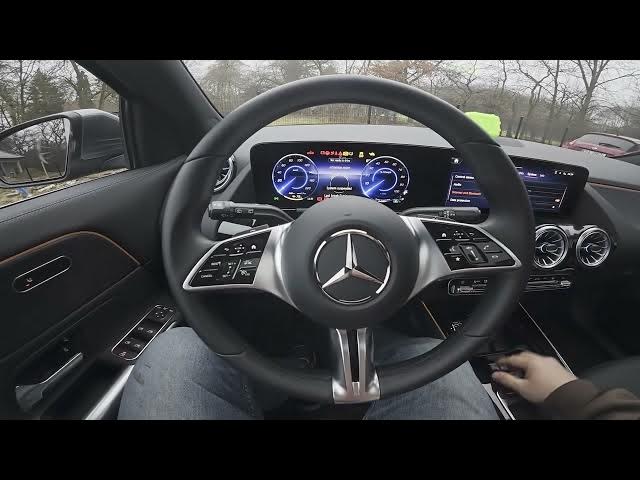

MERCEDES-BENZ EQA – How to Enable or Disable Wi-Fi
Dec 31, 2025

In this short video you'll learn how to enable and disable Wi‑Fi on the MERCEDES‑BENZ EQA. We show the infotainment screen, then go to Settings → System → Internet and Bluetooth, and finally switch the Wi‑Fi toggle on or off. This quick walkthrough helps you turn the car Wi‑Fi on or off for internet access, updates, or hotspot use and is ideal for new EQA owners or anyone needing to change connectivity settings.
How to enable Wi‑Fi on MERCEDES‑BENZ EQA?
How to disable Wi‑Fi on MERCEDES‑BENZ EQA?
Where is the Wi‑Fi setting in MERCEDES‑BENZ EQA?
0:00 Introduction
0:05 Screen display overview
0:14 Go to Settings → System → Internet & Bluetooth
0:24 Switch the Wi‑Fi toggle on or off
0:29 Outro — Like, comment and subscribe
#MercedesBenz #EQA #WiFi #CarSettings
Find out more:
https://www.hardreset.info/devices/mercedes-benz/mercedes-benz-eqa/enable-disable-wi-fi/
Follow us on Instagram ► https://www.instagram.com/hardreset.info
Like us on Facebook ► https://www.facebook.com/hardresetinfo/
Tweet us on Twitter ► https://twitter.com/HardResetI
Show More Show Less