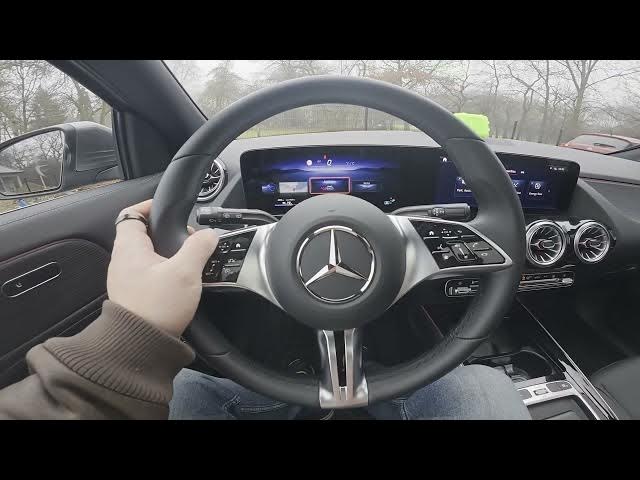

MERCEDES-BENZ EQA – How to Access Assistance Menu on Instrument Cluster
Jan 2, 2026

Learn how to access and manage the Assistance menu on the MERCEDES-BENZ EQA instrument cluster. In this short video we show the exact steps using the steering wheel controls: press the OK button on the cluster and scroll to the Assistance menu. You will see how to view and change cruise control and speedometer status, enable or disable the speeding alert, toggle lane assistant, configure the deadzone assistant and check basic car info. These quick steps help you personalize driver assistance settings and make driving safer on your Mercedes EQA.
How to access the Assistance menu on the MERCEDES-BENZ EQA instrument cluster?
How to enable lane assistant on MERCEDES-BENZ EQA?
How to change speeding alert or cruise control status on MERCEDES-BENZ EQA?
0:00 Intro – What we will show
0:09 Press OK on the instrument cluster and scroll to Assistance menu
0:24 Assistance menu overview: cruise control, speedometer status, speeding alert, lane assistant, deadzone assistant, basic car info
0:43 Outro – Like, comment and subscribe
#MercedesBenz #EQA #InstrumentCluster #AssistanceMenu
Find out more:
https://www.hardreset.info/devices/mercedes-benz/mercedes-benz-eqa/how-to-enter-assistant-menu-on-instrument-cluster/
Follow us on Instagram ► https://www.instagram.com/hardreset.info
Like us on Facebook ► https://www.facebook.com/hardresetinfo/
Tweet us on Twitter ► https://twitter.com/HardResetI
Support us on TikTok ► https://www.tiktok.com/@hardreset.info
Show More Show Less