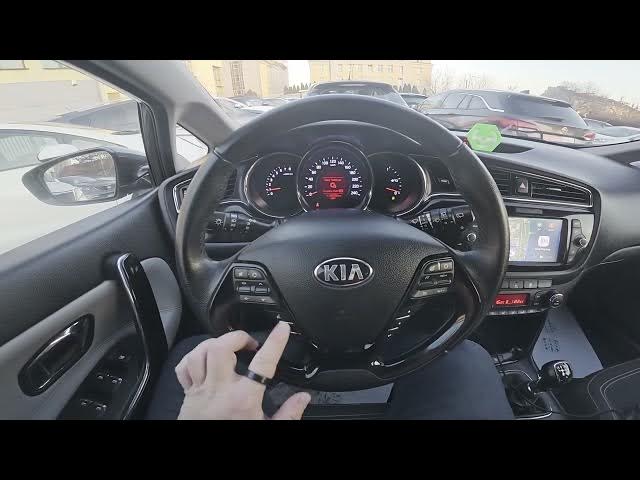

Kia Ceed II Facelift – How to Use Siri & Google Assistant
Dec 28, 2025

Learn how to use Siri and Google Assistant in your Kia Ceed II Facelift. In this short, clear video we walk you through the exact steps: connect your smartphone to the car with a cable to enable Android Auto or CarPlay, press the voice control button on the steering wheel, then speak your command. We'll demonstrate a weather request and share simple tips to make voice control work reliably while driving. This covers both Siri (with CarPlay) and Google Assistant (with Android Auto) so you can use hands-free voice features safely and easily in your Kia Ceed II Facelift.
How to use Siri in Kia Ceed II Facelift?
How to use Google Assistant in Kia Ceed II Facelift?
How to connect Android Auto or CarPlay on Kia Ceed II Facelift?
0:00 Intro
0:06 Connect phone via cable – Android Auto / CarPlay
0:21 Press Voice Control button
0:23 Example command: "What's the weather?"
0:35 Outro & subscribe
#KiaCeedII #KiaCeedFacelift #Siri #GoogleAssistant
Find out more:
https://www.hardreset.info/devices/kia/kia-ceed-ii-facelifting/
Follow us on Instagram ► https://www.instagram.com/hardreset.info
Like us on Facebook ► https://www.facebook.com/hardresetinfo/
Tweet us on Twitter ► https://twitter.com/HardResetI
Show More Show Less #Science