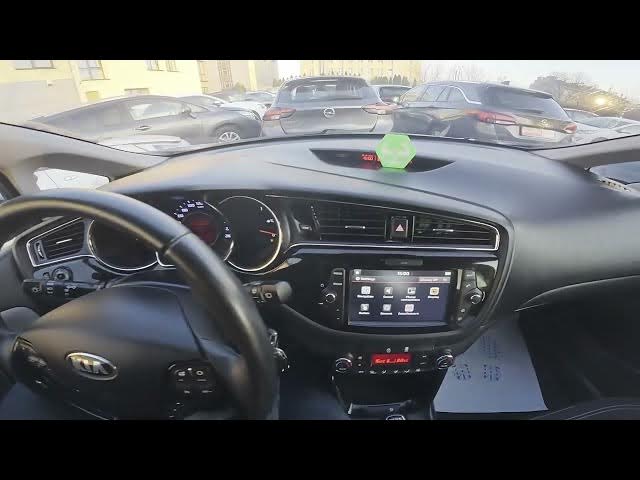

Kia Ceed II Facelift – How to Enable Android Auto & Apple CarPlay
Dec 28, 2025

In this short video we show how to enable and disable Android Auto and Apple CarPlay on the Kia Ceed II Facelift. You'll see the exact steps on the car display: open Settings, go to Phone Connections, enter Phone Projection (Phone Projection settings) and toggle Android Auto or Apple CarPlay on or off. This quick walkthrough helps you connect your phone for navigation, music and calls so you can start using Android Auto or Apple CarPlay in minutes.
How to enable Android Auto on Kia Ceed II Facelift?
How to enable Apple CarPlay on Kia Ceed II Facelift?
How to find Phone Projection settings on Kia Ceed II Facelift?
0:00 Intro – in the Kia Ceed II Facelift
0:08 Open screen display → Settings → Phone Connections
0:19 Enter Phone Projection settings and toggle Android Auto / Apple CarPlay
0:28 Wrap up, like & subscribe
#KiaCeed #AndroidAuto #AppleCarPlay #Kia
Find out more:
https://www.hardreset.info/devices/kia/kia-ceed-ii-facelifting/
Follow us on Instagram ► https://www.instagram.com/hardreset.info
Like us on Facebook ► https://www.facebook.com/hardresetinfo/
Tweet us on Twitter ► https://twitter.com/HardResetI
Support us on TikTok ► https://www.tiktok.com/@hardreset.info
Show More Show Less