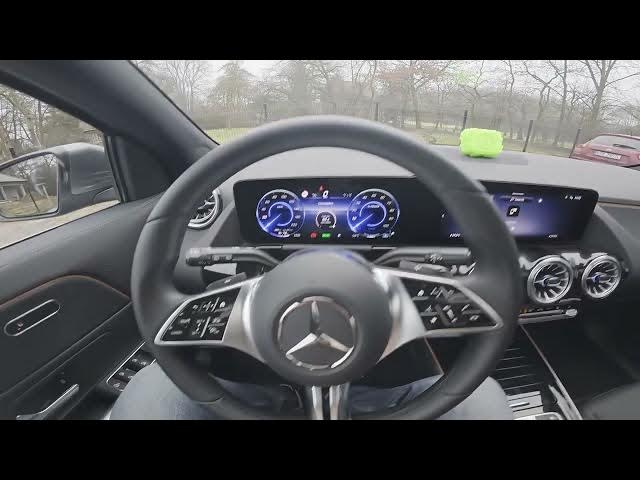

MERCEDES-BENZ EQA – How to Manually Open Camera Cover
Jan 2, 2026

In this short video I show how to manually open the front camera cover on a MERCEDES-BENZ EQA using the vehicle screen. If your camera cover is stuck or won't open automatically, this quick walkthrough shows where to look on the display and which Camera setting to press to open it manually. You'll learn how to check the screen display, navigate to Settings → Camera, and use the Open Camera Cover option so you can restore your front camera quickly and safely on EQA models with a retractable camera cover.
How to manually open the camera cover on MERCEDES-BENZ EQA?
How to open camera cover on Mercedes EQA from the screen settings?
What to do if MERCEDES-BENZ EQA camera cover is stuck or won't open?
0:00 Introduction – quick overview
0:07 Check the screen display and go to Settings
0:14 Open Camera menu and find the option
0:21 Press "Open Camera Cover" to open it manually
0:27 Wrap up, tips and subscribe
#MercedesBenz #EQA #CameraCover #CarTips
Find out more:
https://www.hardreset.info/devices/mercedes-benz/mercedes-benz-eqa/how-to-manually-open-camera-cover/
Follow us on Instagram ► https://www.instagram.com/hardreset.info
Like us on Facebook ► https://www.facebook.com/hardresetinfo/
Tweet us on Twitter ► https://twitter.com/HardResetI
Show More Show Less