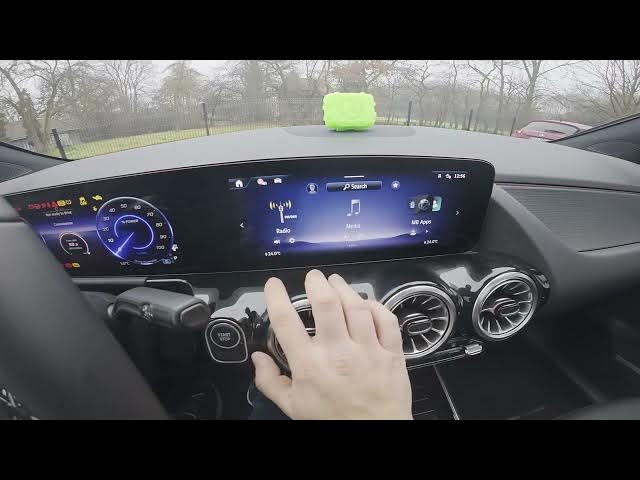

MERCEDES-BENZ EQA – How to Check Service Info
Jan 2, 2026

In this short video you will learn how to check the service info on the MERCEDES-BENZ EQA using the central display. We show how to open MB Apps & Service, where to find Next Service, Maintenance Management, Mobile Roadside Assistant and Telediagnosis, and how to read the service due information. Important: newer Mercedes models like the EQA cannot have the service interval manually reset from the car — resetting must be done at an authorized Mercedes service center. This quick guide helps EQA owners locate maintenance details fast and understand the reset limitation.
How to check service info on MERCEDES-BENZ EQA?
How to view Next Service on MERCEDES-BENZ EQA?
How to reset service info on MERCEDES-BENZ EQA?
0:00 Intro — what we will show
0:09 Check the screen display
0:19 Open MB Apps & Service on the central display
0:30 Find Next Service, Maintenance Management and Telediagnosis
0:39 Select Next Service to see service due
0:46 Note about reset — only at authorized service
1:04 Closing and recap
#MercedesBenz #EQA #ServiceInfo #CarMaintenance
Find out more:
https://www.hardreset.info/devices/mercedes-benz/mercedes-benz-eqa/how-to-check-service-info/
Follow us on Instagram ► https://www.instagram.com/hardreset.info
Show More Show Less