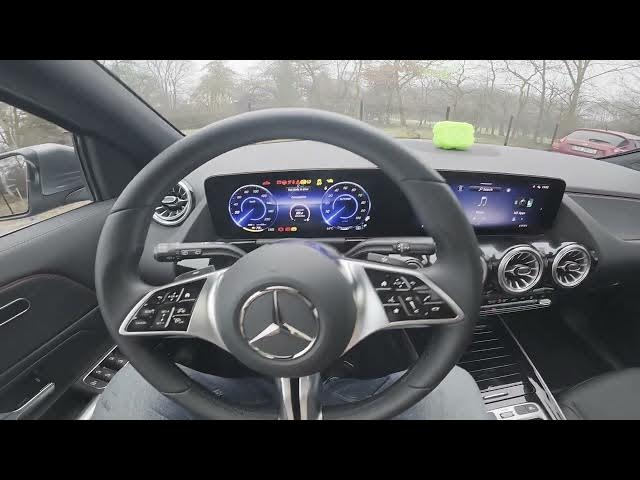

MERCEDES-BENZ EQA – How to Buy Digital Extras
Jan 2, 2026

In this video I show how to buy digital extras and unlock paid features directly from the MERCEDES-BENZ EQA in-car display store. You will learn where to find the Store on the central screen, how to browse packages like XLN, Guard360, Dashcam and Active Distance Assist, how to view product details, assign a payment card to the car, and complete the purchase so new features activate immediately. This quick walkthrough is ideal for EQA owners who want to add software options or safety features without a dealer visit, and explains the steps to check product information and payment before confirming.
How to buy digital extras on MERCEDES-BENZ EQA?
How to enable XLN, Guard360 or Dashcam on MERCEDES-BENZ EQA?
How to assign a payment card to MERCEDES-BENZ EQA for digital purchases?
0:00 Introduction and overview
0:10 Open the central display and go to Store
0:24 Why some features are locked behind paywalls
0:30 Browse packages: XLN, Guard360, Dashcam, Active Distance Assist
0:47 Select a product and check product information
1:04 Assign your card to the car and complete the purchase
1:12 Unlock confirmation and final tips
#MercedesBenz #EQA #DigitalExtras #CarSoftware
Find out more:
https://www.hardreset.info/devices/mercedes-benz/mercedes-benz-eqa/how-to-buy-digital-extras/
Follow us on Instagram ► https://www.instagram.com/hardreset.info
Show More Show Less