0:00
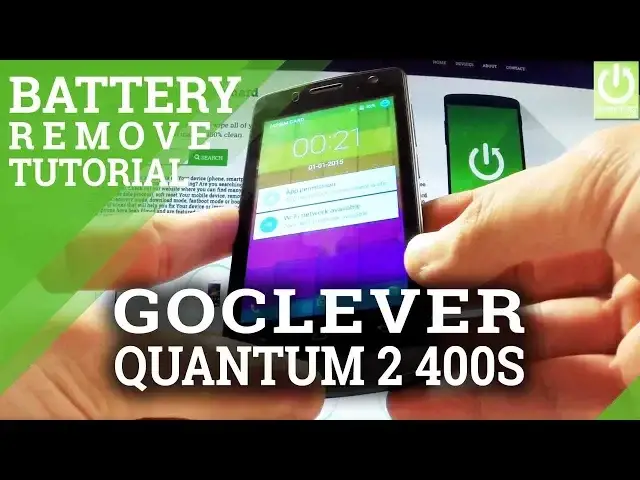
Here I have GoClever Quantum 2 40 Zero S and let me show you how to remove the back cover
0:10
and the battery from the following phone. So saying in other words how to accomplish soft reset operation, it's especially useful
0:17
when your phone is frozen or just hangs. At first hold down the power key for a few seconds, then tap power off and wait until
0:26
the device will be completely switched off. Afterwards you have to find the cavity at the right down corner of your phone and simply
0:35
use your nail finger to open the whole item. You have to do it step by step from the bottom of your device to the top and now you have
0:43
access to your battery. Let's remove your battery by using the cavity at the down edge of your battery and simply
0:51
remove it for about 5 to 10 seconds just to reset your device and then put it back in
0:56
exactly the same way with the characteristic stitches right here. Let's put it back. Excellent
1:07
Now let's close the back cover and now let's switch on our device by holding
1:18
the power key. The Go Clover is turning on
1:30
And now the phone goes into normal mode, now you can use your device
1:35
Thank you for watching, please subscribe our channel and leave thumbs up under the video