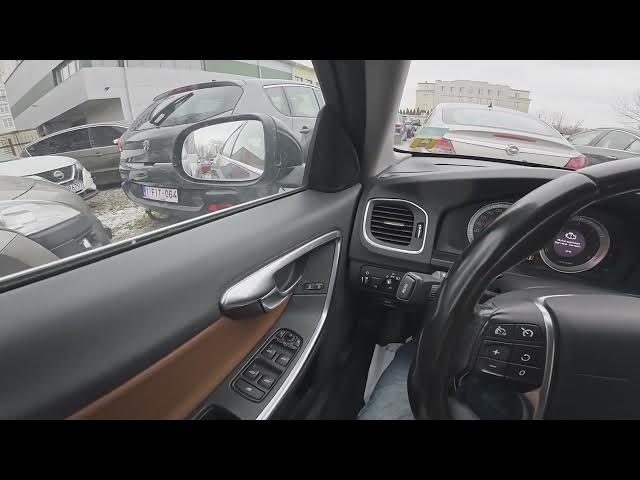

Volvo S60 II (2010-2019) – How to Enable Mirror Tilt in Reverse
Jan 6, 2026

This short video shows exactly how to enable the mirror tilt (auto-tilt when reversing) on a Volvo S60 II (2010-2019). You will learn how to use the center display, navigate to My Car → Settings → Car Settings, open Side Mirror Settings, and turn on Tilt Left Mirror or Tilt Right Mirror so the side mirrors automatically angle when you select reverse. This helps with parking and seeing the curb on the passenger or driver side. The steps are quick, clear, and done on the factory infotainment screen for Volvo S60 II models from 2010 to 2019.
How to enable mirror tilt in reverse on Volvo S60 II (2010-2019)?
How to access Side Mirror Settings on Volvo S60 II (2010-2019)?
Where is the Tilt Left Mirror or Tilt Right Mirror option on Volvo S60 II (2010-2019)?
0:00 Introduction – what we’ll do
0:07 Open the center display and go to My Car
0:20 Enter Car Settings and find Side Mirror Settings
0:29 Select Tilt Left Mirror or Tilt Right Mirror
0:34 Test mirror tilt by putting the car in reverse
0:45 Outro and subscribe reminder
#VolvoS60 #MirrorTilt #CarTips #Volvo
Find out more:
https://www.hardreset.info/devices/volvo/volvo-s60-ii-2010-2019/
Follow us on Instagram ► https://www.instagram.com/hardreset.info
Like us on Facebook ► https://www.facebook.com/hardresetinfo/
Show More Show Less