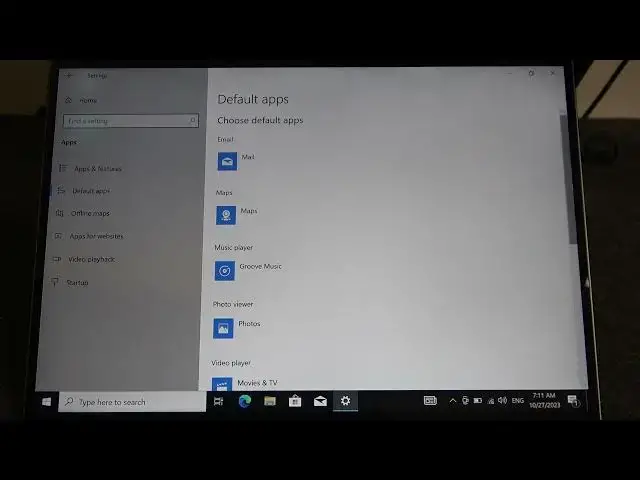

How To Change Defaults Apps On Huawei MateBook X
Aug 5, 2024

Find out more Huawei MateBook : https://www.hardreset.info/devices/huawei/huawei-matebook-12/tutorials/
Learn how to tailor your Huawei MateBook X to your preferences by changing default apps. Whether you're looking to set a new browser, email client, or media player as your go-to, this guide has you covered. Customize your laptop experience with ease.
How can I change the default web browser on my MateBook X?
What's the process for setting a new email client as the default?
Can I change the default music player on my Huawei MateBook X?
What benefits does customizing default apps offer?
Is it possible to revert to the default apps later if I change my mind?
Are there specific settings to manage default apps on the MateBook X?
Can I set different default apps for various file types or tasks?
What is the easiest way to switch between default apps quickly?
How do I ensure my changes to default apps persist?
What default apps can be customized on the MateBook X?
#HuaweiMatebookX #Huawei #huaweimatebook
Follow us on Instagram ► https://www.instagram.com/hardreset.info
Like us on Facebook ► https://www.facebook.com/hardresetinfo/
Tweet us on Twitter ► https://twitter.com/HardResetI
Support us on TikTok ► https://www.tiktok.com/@hardreset.info
Use Reset Guides for many popular Apps ► https://www.hardreset.info/apps/apps/
Show More Show Less