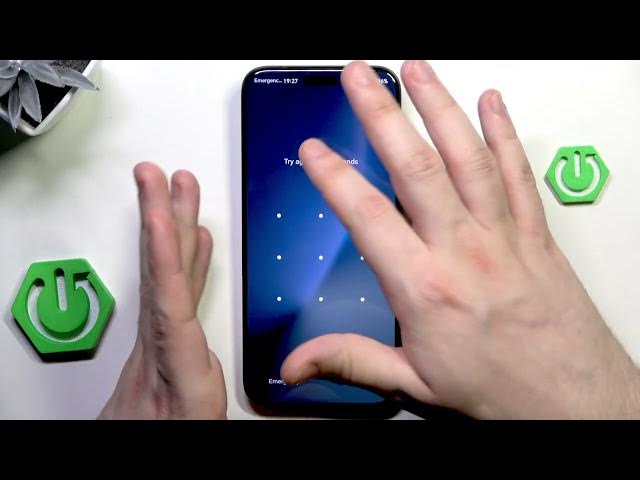

HONOR Magic8 Pro - How to Unlock Without Password
Jan 28, 2026

In this video I show how to unlock HONOR Magic8 Pro when you forgot the screen lock password by using Recovery Mode and a factory reset. You will learn why this method erases all data, how to enter recovery mode, how to perform the factory reset (typing YES), and what to expect during the setup process afterwards. I also explain the Google account verification (FRP) step — you will need to sign in with the same Google account that was used before the reset or visit an authorized service center if you want to avoid data loss. This tutorial is for your own device only and is not a way to access someone else’s phone.
How to unlock HONOR Magic8 Pro without password?
How to factory reset HONOR Magic8 Pro from recovery mode?
How to bypass Google account verification on HONOR Magic8 Pro after reset?
0:00 Intro & important warnings
0:15 Why factory reset is required and data loss explained
0:31 Google account verification (FRP) note
1:13 Power off and enter recovery mode (Power + Volume Up)
1:36 Recovery menu navigation and controls
2:13 Select Factory Reset and type "yes" to confirm
2:35 Restart phone and go through setup (sign in with same Google account)
#HONORMagic8Pro #FactoryReset #UnlockPhone #AndroidHelp
Find out more:
https://www.hardreset.info/devices/honor/honor-magic8-pro/
Follow us on Instagram ► https://www.instagram.com/hardreset.info
Show More Show Less