0:00
Welcome! In front of me I have Xiaomi Band 8 active and I'm gonna show you how to enable and
0:05
how to disable the do not disturb mode on this watch or other smartband
0:13
First we need to wake up the screen on our smartband and you can do it by tapping on the
0:18
screen. After you wake up the screen swipe up on the screen to open the menu then scroll down
0:26
through the menu find the settings icon and once you find it tap on it to enter the settings
0:32
In settings find the option called DND and tap on it. And here we can turn on the do not disturb mode by selecting either scheduled or all day. If you
0:45
want to simply turn on the do not disturb mode tap on the all day option to select it and now
0:50
the do not disturb mode will be turned on and you can swipe right on the screen to go back and you
0:55
will see that the do not disturb mode is enabled by the icon on the watch face. To disable the do
1:01
not disturb mode you need to open the settings again tap on DND and select the off option and
1:11
then you can swipe right to go back. But you have also scheduled option. This option allows you to
1:16
make a schedule for the do not disturb mode and it will turn on automatically and turn off
1:21
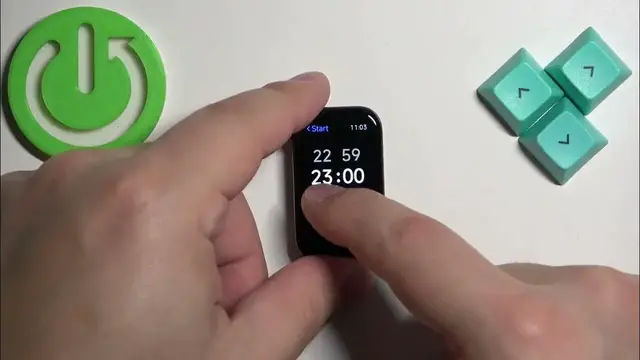
automatically. To use it first select the scheduled then tap on it and now we can set the time on which
1:28
the do not disturb mode should turn on the start time. You can do it by swiping up and down on hours
1:34
then minutes and once you're done with the start time tap on the check mark to confirm. Next we
1:41
have the end time so basically on which the do not disturb mode should be turning off
1:45
So set it again by swiping up and down on hours and minutes and here we have our schedule so the
1:51
do not disturb mode will be turning on at 11 30 p.m and turning off at 9 a.m
2:01
And of course once you're done you can swipe right on the screen to go back to watch face
2:08
and that's how you enable and how you disable the do not disturb mode on the smart band
2:15
Thank you for watching if you found this video helpful please consider subscribing to our channel
2:20
and leaving a like on the video