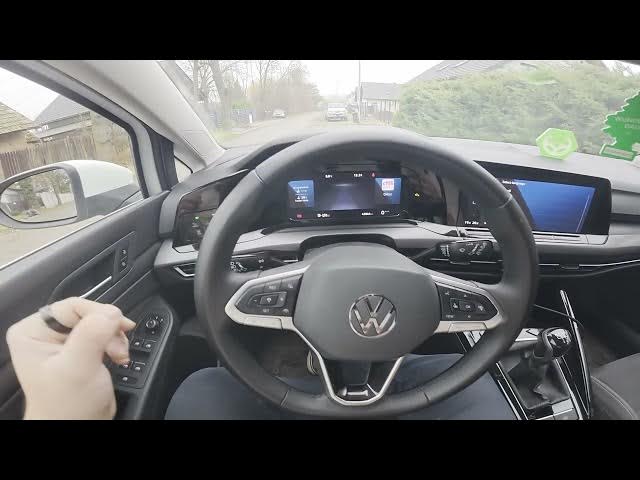

Volkswagen Golf VIII – How to Enable Rear Fog Lights
Jan 16, 2026

In this video I show how to enable and disable the rear fog lights on the Volkswagen Golf VIII (2019 - now). You will learn where the control panel is located (behind the left side of the steering wheel), how to switch to deep beam using the mode button, and how to activate the rear fog light with the rear button. I also explain how to turn the lights off and why the rear fog light only works when deep beam is active. Clear, quick steps for safer driving and easy setup.
How to enable rear fog lights on Volkswagen Golf VIII (2019 - now)?
How to turn off rear fog lights on Volkswagen Golf VIII (2019 - now)?
Where is the rear fog light button on Volkswagen Golf VIII (2019 - now)?
0:00 Introduction
0:08 Locate the control panel behind the steering wheel
0:18 Switch mode until deep beam is active
0:22 Press the rear button to enable rear fog lights
0:28 Important note: rear fog works only on deep beam
0:31 Outro — like, comment and subscribe
#Volkswagen #GolfVIII #RearFogLights #CarTips
Find out more:
https://www.hardreset.info/devices/volkswagen/volkswagen-golf-viii-2019-now/how-to-enable-rear-fog-lights/
Follow us on Instagram ► https://www.instagram.com/hardreset.info
Like us on Facebook ► https://www.facebook.com/hardresetinfo/
Show More Show Less