
TESLA - How to Enable One-Pedal Driving (Hold Mode)
Jan 21, 2026

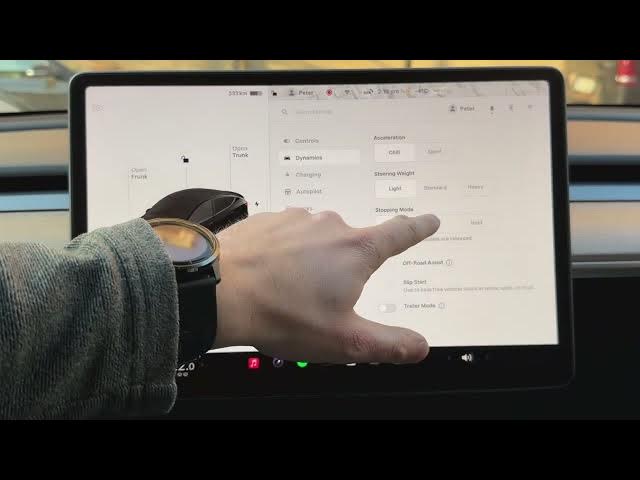
In this short video I show how to enable one-pedal driving on your TESLA using the car settings. You will learn how to open the car icon, go to Dynamics, find Stopping Mode, and choose between Creep, Roll and Hold. I explain why Hold gives maximum regenerative braking so the car can stop simply by lifting your foot off the accelerator — a more efficient and smoother way to drive in traffic and city conditions. Follow these simple steps to turn on Hold mode and get the most out of regenerative braking on your Tesla.
How to enable one-pedal driving on TESLA?
How to turn on Hold mode on TESLA?
Where is Stopping Mode in TESLA (Dynamics menu)?
0:00 Intro — what we'll do
0:05 Open the car icon and go to Dynamics
0:16 Stopping Mode overview
0:21 Creep vs Roll vs Hold explained
0:43 Choose Hold for one-pedal driving
0:51 Closing tips and subscribe
#Tesla #OnePedalDriving #RegenerativeBraking #HoldMode
Find out more:
https://www.hardreset.info/devices/car/car-tesla/
Follow us on Instagram ► https://www.instagram.com/hardreset.info
Like us on Facebook ► https://www.facebook.com/hardresetinfo/
Show More Show Less