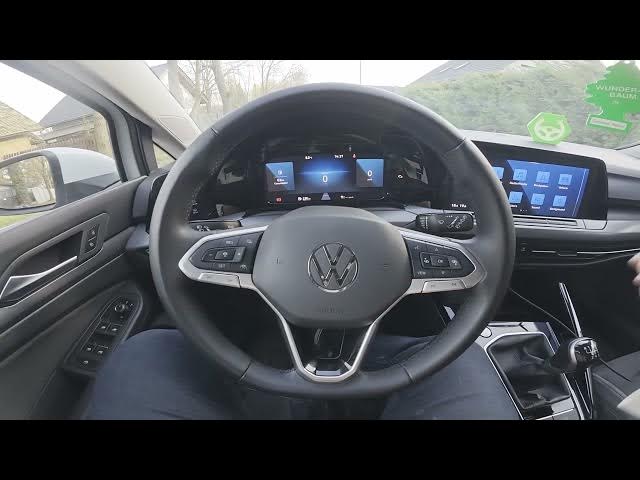

Volkswagen Golf VIII – How to Enable Mirror Synchronous Adjustment
Jan 15, 2026

In this short, clear tutorial you will learn how to enable Mirror Synchronous Adjustment on the Volkswagen Golf VIII (2019 - now). I show exactly where to go in the center infotainment menu so you can find the Mirrors settings fast. Enabling this function makes both side mirrors move together when you adjust them (or fold/unfold together), which saves time and helps keep mirror positions identical. Follow the simple steps: open the Vehicle menu, choose Exterior, enter Mirrors, then switch the toggle to enable or disable synchronous mirror adjustment. This works on Golf VIII models from 2019 to present and is useful after service or when setting up a new car.
How to enable mirror synchronous adjustment on Volkswagen Golf VIII (2019 - now)?
How to find Mirrors settings in Volkswagen Golf VIII (2019 - now)?
How to disable mirror synchronous adjustment on Volkswagen Golf VIII (2019 - now)?
0:00 Introduction
0:08 Access the center infotainment – go to Vehicle
0:12 Open Exterior → Mirrors
0:18 Enable or disable Mirror Synchronous Adjustment (switch the button)
0:27 Outro – like, comment, subscribe
#Volkswagen #GolfVIII #MirrorSettings #CarHowTo
Find out more:
https://www.hardreset.info/devices/volkswagen/volkswagen-golf-viii-2019-now/how-to-enable-mirrors-synchronous-adjustment/
Follow us on Instagram ► https://www.instagram.com/hardreset.info
Like us on Facebook ► https://www.facebook.com/hardresetinfo/
Tweet us on Twitter ► https://twitter.com/HardResetI
Show More Show Less