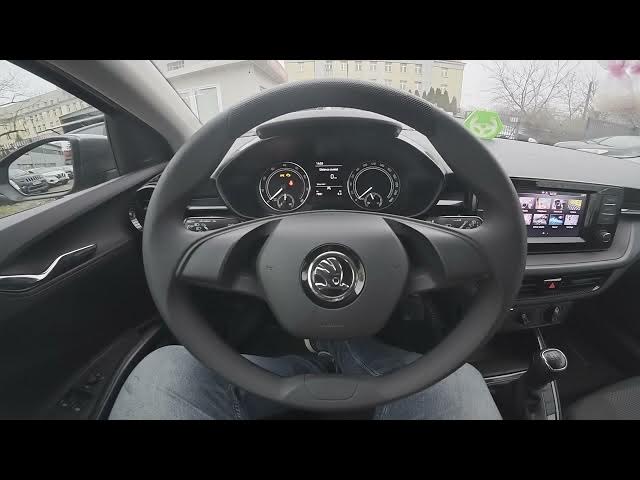

Skoda Fabia IV (2021 - now) How to Adjust Menu Button Tone
Jan 16, 2026

In this short video I show how to enable or disable the Menu Button Tone on a Skoda Fabia IV (2021 - now). You will learn where to find the option in the infotainment system so you can turn the audible click on or off when tapping the screen. This is useful if you prefer silent controls or want confirmation sounds from the display. Follow the steps: open the screen display, go to Menu and Sound, enter Settings and toggle Menu Button Tone to enable or disable the function on your Skoda Fabia IV.
How to adjust Menu Button Tone on Skoda Fabia IV (2021 - now)?
How to disable menu button sound on Skoda Fabia IV (2021 - now)?
Where is the Menu Button Tone setting in Skoda Fabia IV infotainment?
0:00 Intro — What we’ll change
0:03 Open the screen display and go to Menu and Sound
0:10 Enter Settings in the infotainment menu
0:14 Tap Menu Button Tone to enable or disable
0:20 Quick test and outro / like & subscribe
#SkodaFabia #SkodaFabiaIV #CarSettings #Infotainment
Find out more:
https://www.hardreset.info/devices/skoda/skoda-fabia-iv-2021-now/how-to-adjust-menu-button-tone/
Follow us on Instagram ► https://www.instagram.com/hardreset.info
Like us on Facebook ► https://www.facebook.com/hardresetinfo/
Tweet us on Twitter ► https://twitter.com/HardResetI
Show More Show Less