
OMODA 5 EV – How to Enable Panorama View in Corners
Jun 15, 2026

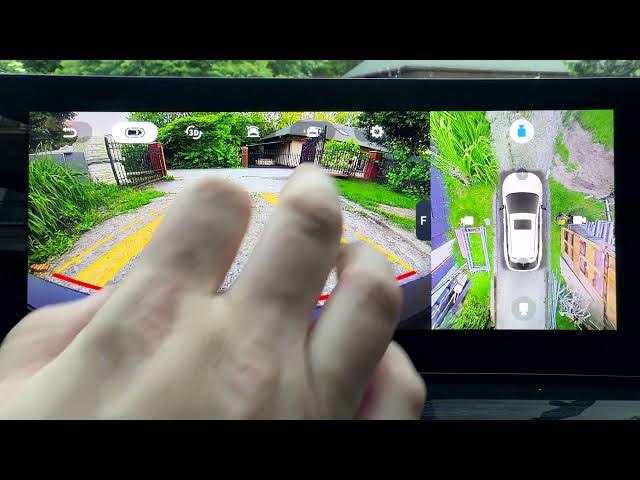
In this short video I show how to enable Panorama View in Corners on the OMODA 5 EV using the built-in Around View Monitor. You will learn where to find the panorama corner option, how to turn it on, and why it helps for parking and tight maneuvers. This quick walkthrough covers opening the Around View Monitor, entering settings, locating the "Panorama activated in corner" toggle and switching it on so you can get wider corner camera views for safer low-speed driving.
How to enable panorama in corners on OMODA 5 EV?
How to turn on Panorama View in Corners on OMODA 5 EV?
How to access the Around View Monitor panorama setting on OMODA 5 EV?
0:00 Introduction – OMODA 5 EV and panorama corners
0:06 Open the Around View Monitor
0:17 Go to Settings and find "Panorama activated in corner"
0:24 Turn on panorama and test the corner view
0:28 Outro – like, comment and subscribe for more OMODA tips
#OMODA5EV #PanoramaView #AroundViewMonitor #CarCameras
Find out more:
https://www.hardreset.info/devices/omoda/omoda-5-ev/
Follow us on Instagram ► https://www.instagram.com/hardreset.info
Like us on Facebook ► https://www.facebook.com/hardresetinfo/
Tweet us on Twitter ► https://twitter.com/HardResetI
Show More Show Less #Science